
Modern
Clean silhouettes, balanced proportions and a restrained neutral palette.
The virtual furnishing studio
Help a buyer picture the furniture, without pretending the property has changed. Upload an empty room, choose one of six styles, and review a furnished version of that photograph.
Stage your empty room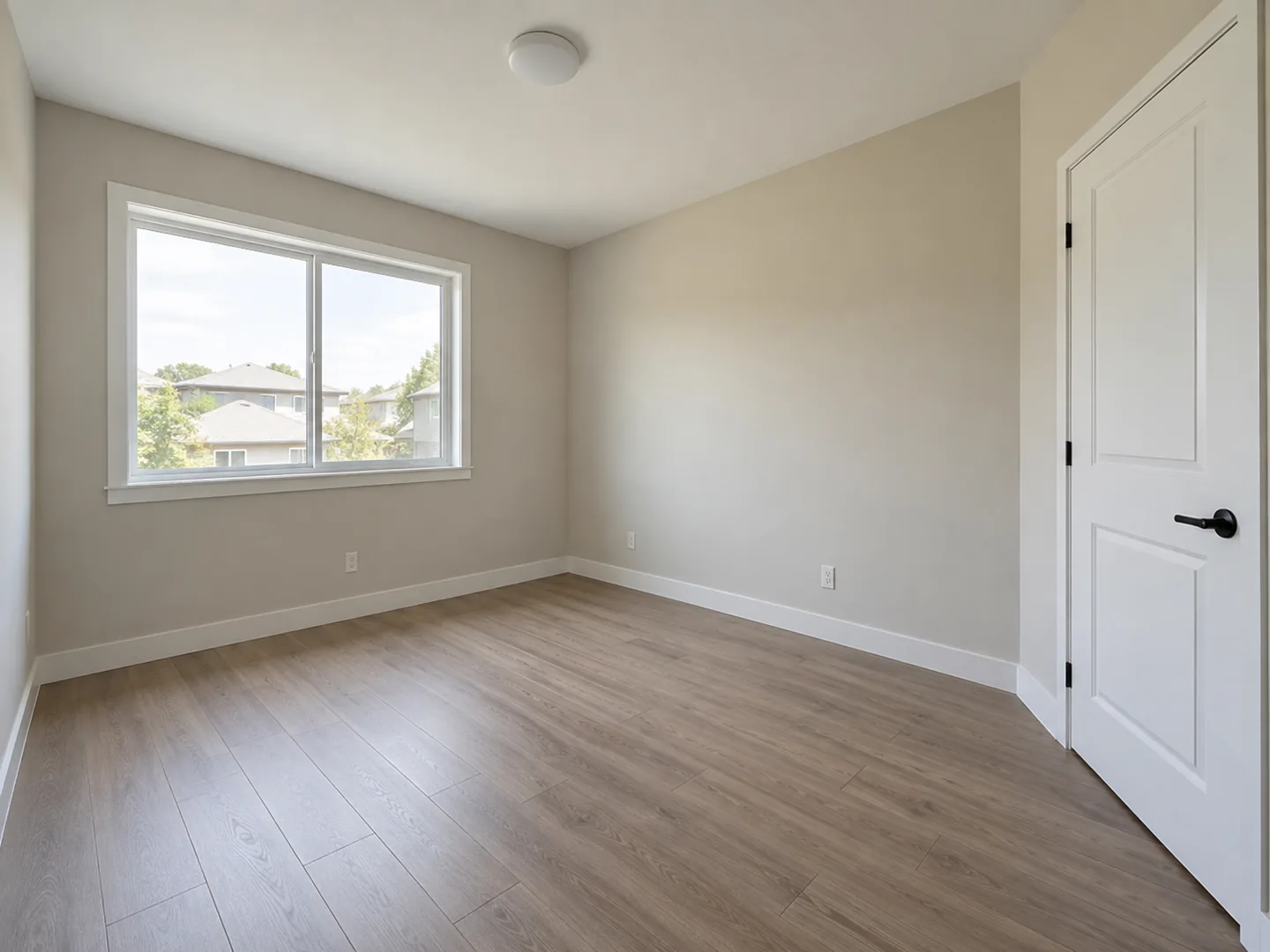
Choose a mode, upload up to 10 photos, and review each result before downloading.
JPG, PNG or WebP · up to 20 MB per photo · longest side up to 4096 px
Photo type
Leave blank to use the default settings. Your prompt applies to every photo in this batch.
0 / 1000Furnishing style
Choose a furnishing style for your next upload.
Clean silhouettes, balanced proportions and a restrained neutral palette.
Light wood, soft textiles and simple, functional furnishings.
Fewer pieces, clear circulation and quiet shapes.
Rich textures and refined furnishings, scaled to the actual room.
Airy furnishings, natural textures and soft coastal colors.
Warm wood and relaxed, traditional-inspired furnishings.
Virtual staging adds removable furniture, lamps and restrained decor to an empty or substantially unfurnished room. It is a visualization for the photograph, not a renovation service or a purchase of physical furniture.
Our workflow asks the AI to keep walls, doors, windows, flooring and fixed fittings in place. Generated images still need human review: look for blocked doors, altered surfaces and furniture that does not fit.
A living room needs a plausible seating area and room to move. Use an empty-room photo with enough floor visible to judge furniture scale. For open-plan living spaces, preserve the route to the kitchen and other rooms.
Several photos can be submitted together, but each is staged independently. A batch does not guarantee the same sofa or arrangement across different camera angles.
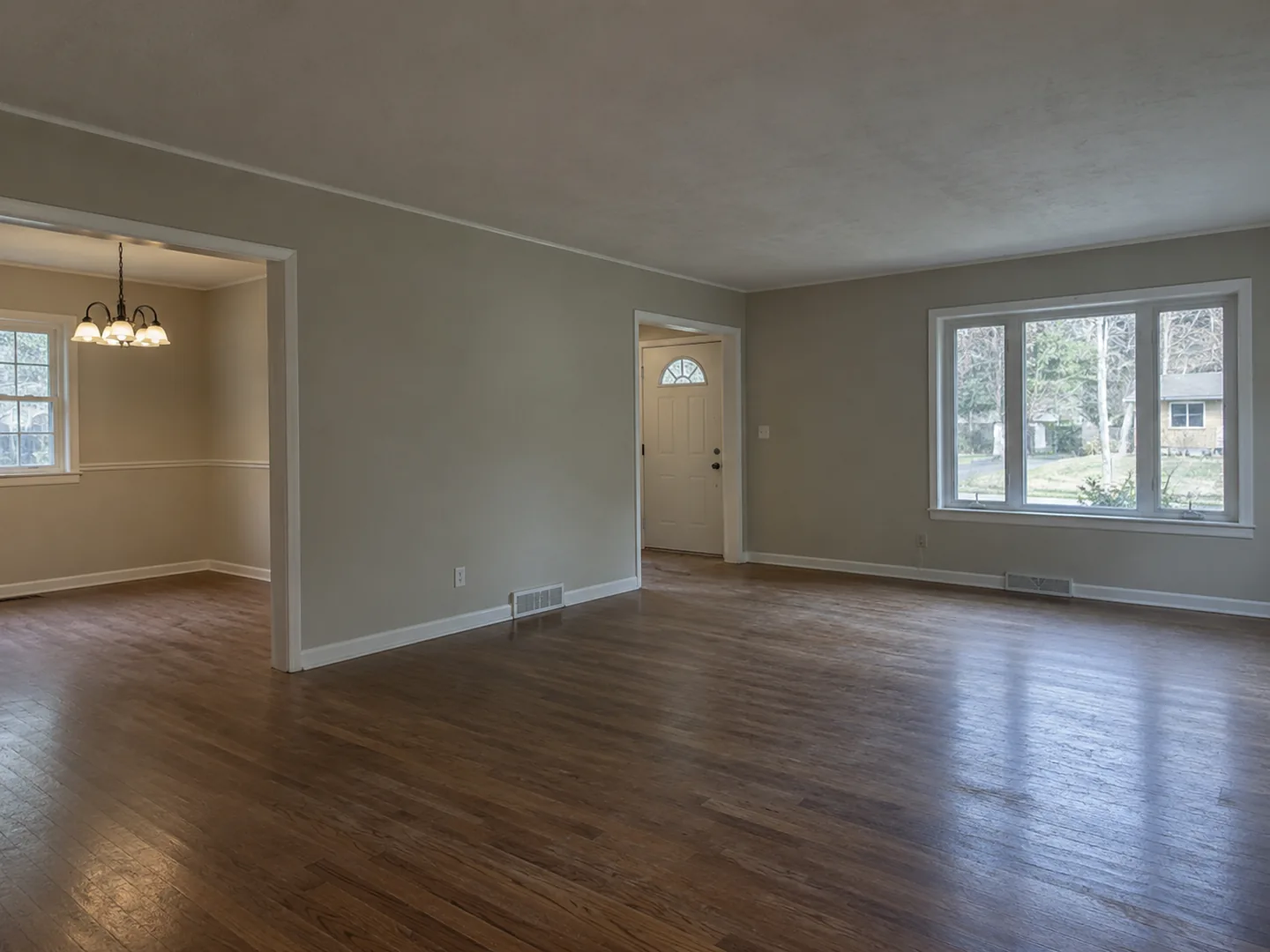
Keep the window, closet and doorway visible in your input. Check that an added bed leaves usable space on the sides and does not make the room appear larger than it is.
The room’s visible layout guides the result. This is not a control for converting any space into a bedroom or specifying exact furniture dimensions.
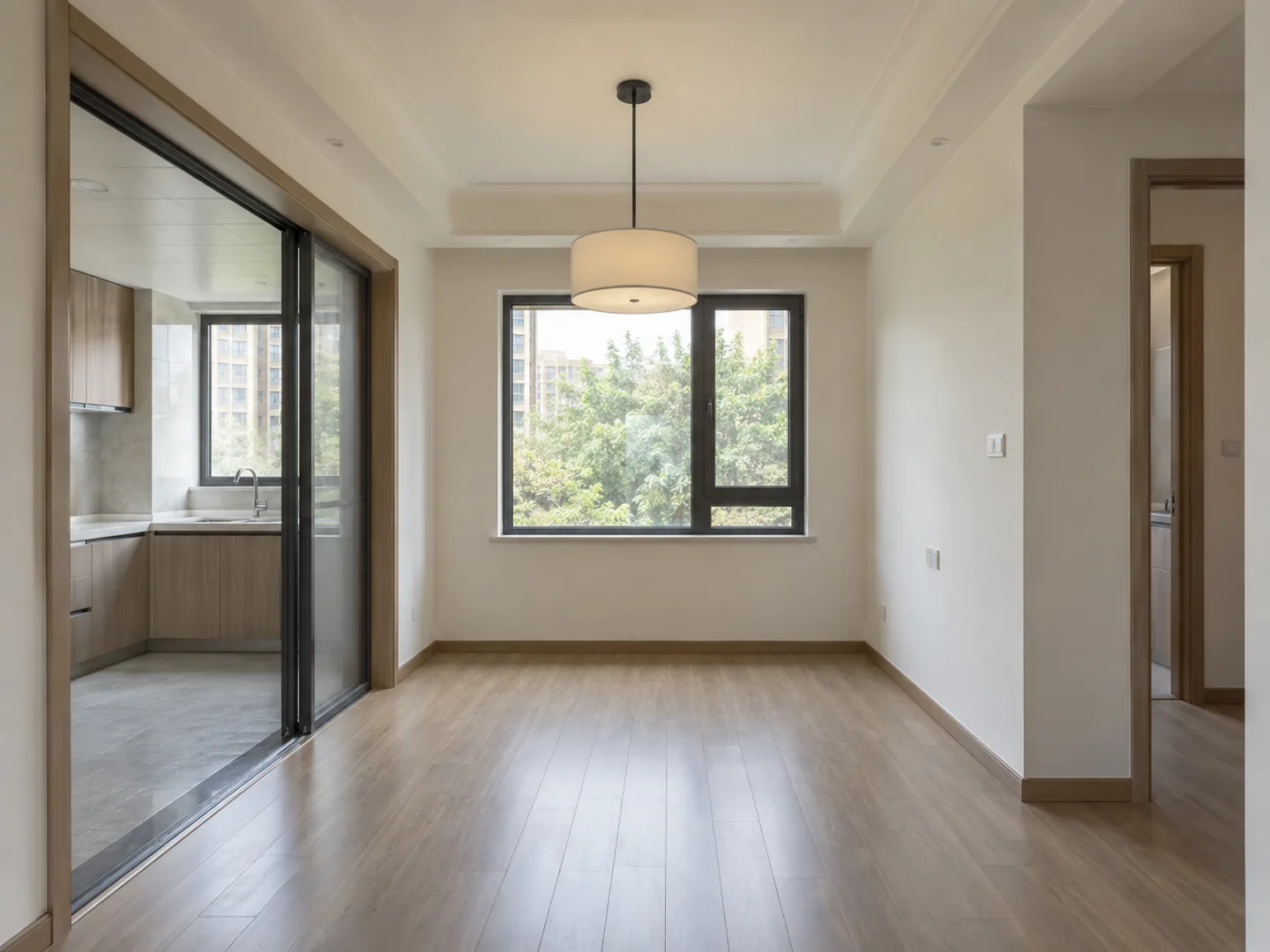
An empty dining area can be difficult to understand without a table and chairs. Leave enough context in the photo to show adjacent doors and circulation space. In an apartment, avoid arrangements that block access to another room.
Kitchen-related staging is limited to suitable movable furnishings and decor. Replacing cabinets, worktops or appliances is outside this workflow.
There is no desktop app to install. Upload a supported image, select Virtual Staging, choose a style and submit. Review and download results individually or download the ready images from your batch.
A new visit starts a fresh editor. Your submitted tasks remain available privately in My photos beside your account and credit balance.
Start with a room whose visible layout already suits a workspace. Keep doors, windows, outlets and circulation routes visible. If the result includes a desk or chair, check its scale, access and clearance rather than treating it as a measured furnishing plan.
The editor offers style choices, not a home-office selector or instructions for a specific desk. It cannot guarantee office furniture or convert any bedroom into a workspace. If an exact room purpose or furniture arrangement is essential, use a service with those controls.
Eligible new accounts can receive the trial credits shown on our pricing page. Sign-in is required, and email verification may be required. Trial credits are limited; this is not an unlimited free staging service.
There is no dedicated furniture-removal tool. Use an empty or substantially unfurnished room for staging. Use Interior enhancement if you want to improve a furnished-room photo without replacing its furniture.
No. The current workflow has six style choices, not an exact-placement editor, a furniture catalog or a multi-angle consistency control.
Make the virtual furnishing clear to viewers and check the rules of your listing platform and local market. Keep the original available. The tool does not provide a compliance guarantee or automatically publish the image.
RealtyPhoto AI
Sign in to see your available credits. Review every generated image before publishing it.