
A clearer view of the actual property
Exterior Real Estate Photo Editing
Keep the roofline, the frontage and the surroundings. Exterior enhancement works on the light and color in your photograph, with the original building as the reference.
Edit an exterior photo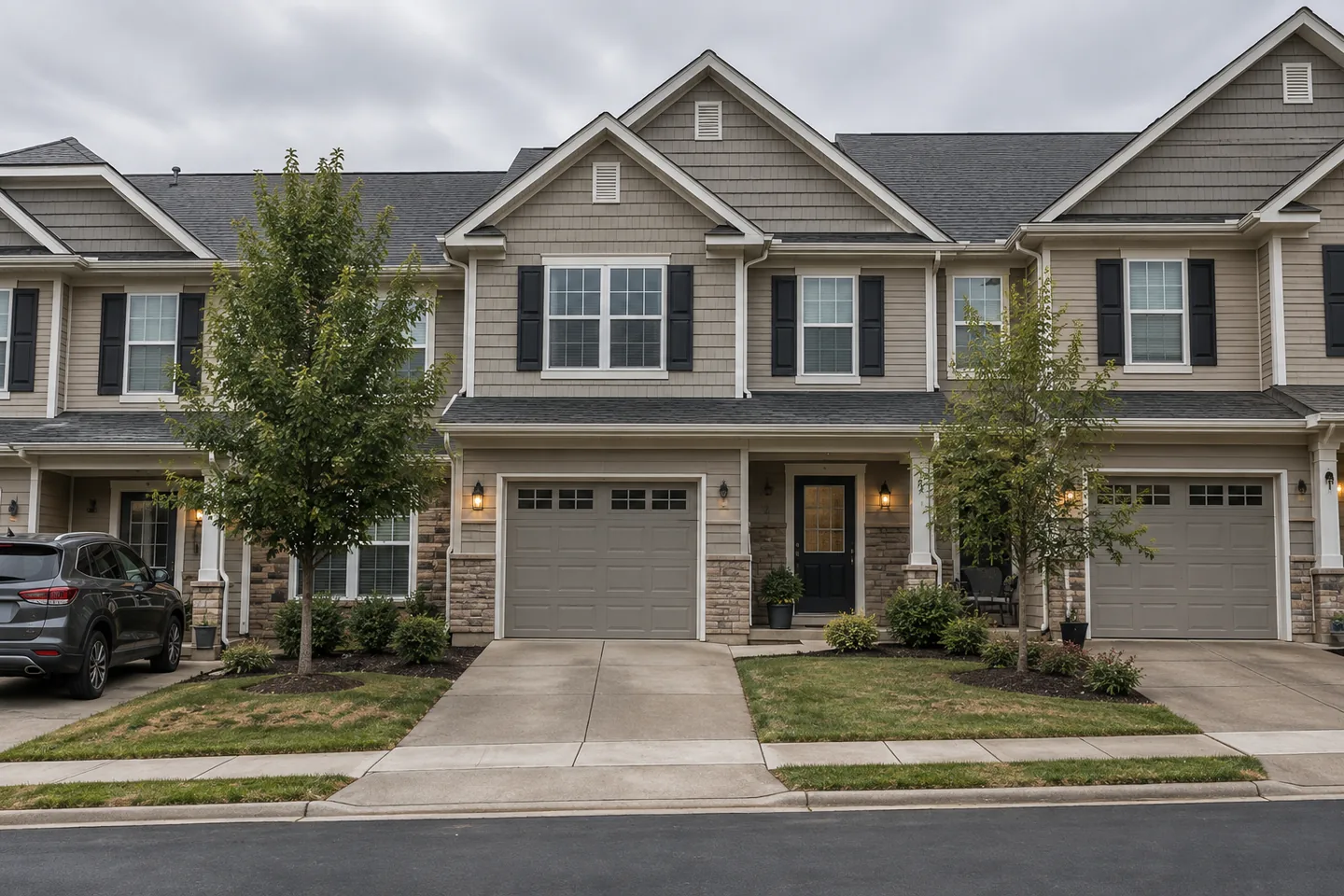
Edit your property photos
Choose a mode, upload up to 10 photos, and review each result before downloading.
JPG, PNG or WebP · up to 20 MB per photo · longest side up to 4096 px
Photo type
Custom prompt(optional)
Leave blank to use the default settings. Your prompt applies to every photo in this batch.
0 / 1000Work with overcast light and subdued facades
Flat daylight can make siding, brick and shaded entrances harder to read. Exterior mode aims to improve exposure, natural color, contrast and clarity while keeping the building and its surroundings unchanged.
Check the actual result against your input. A brighter image is not useful if the AI changes a window, roof detail or boundary.
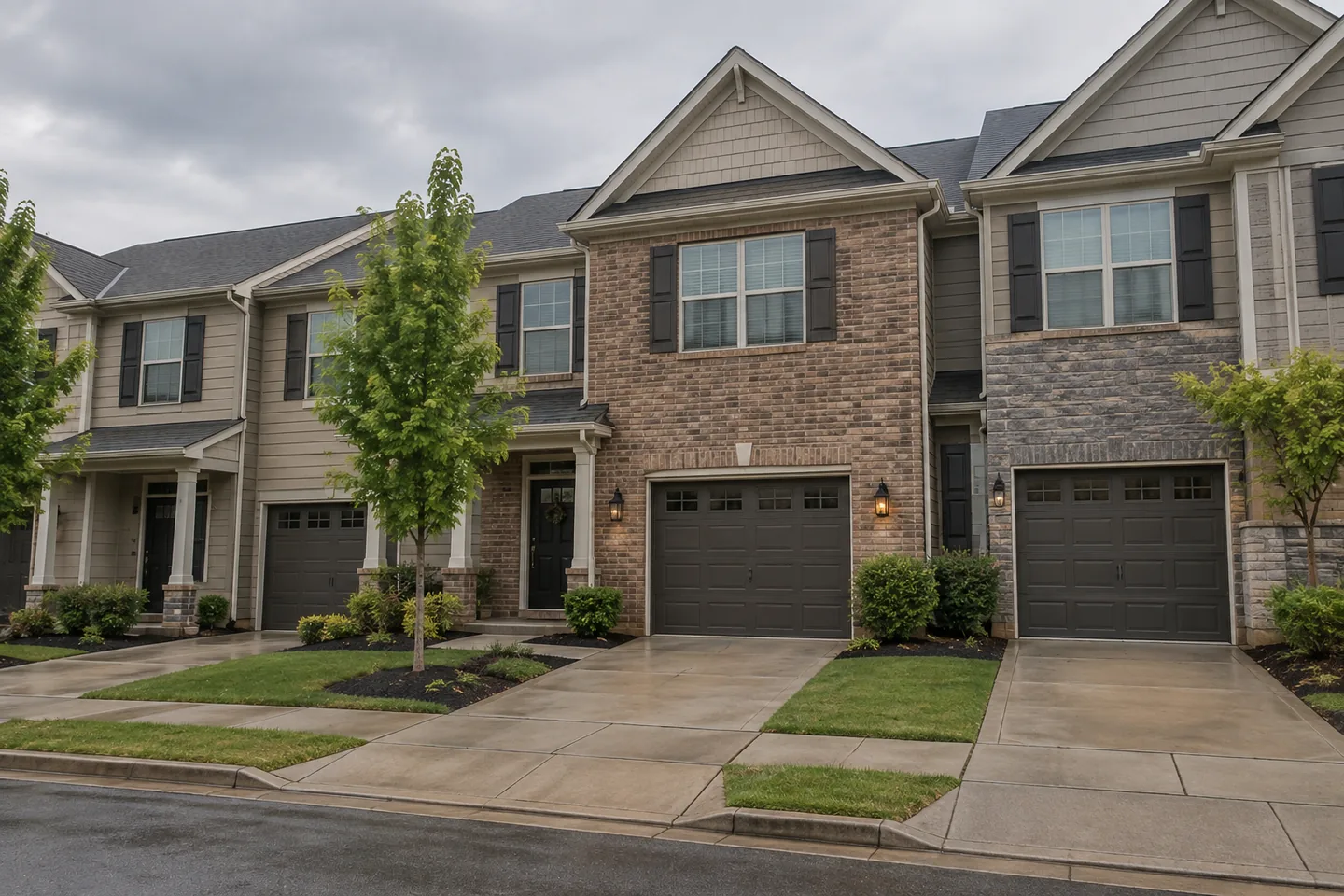
Natural sky and lawn enhancement, not replacement
The workflow may subtly improve the existing sky and vegetation. It is not a sky-replacement, lawn-rebuilding or day-to-dusk tool. Do not use a result that invents a different landscape or hides a material property condition.
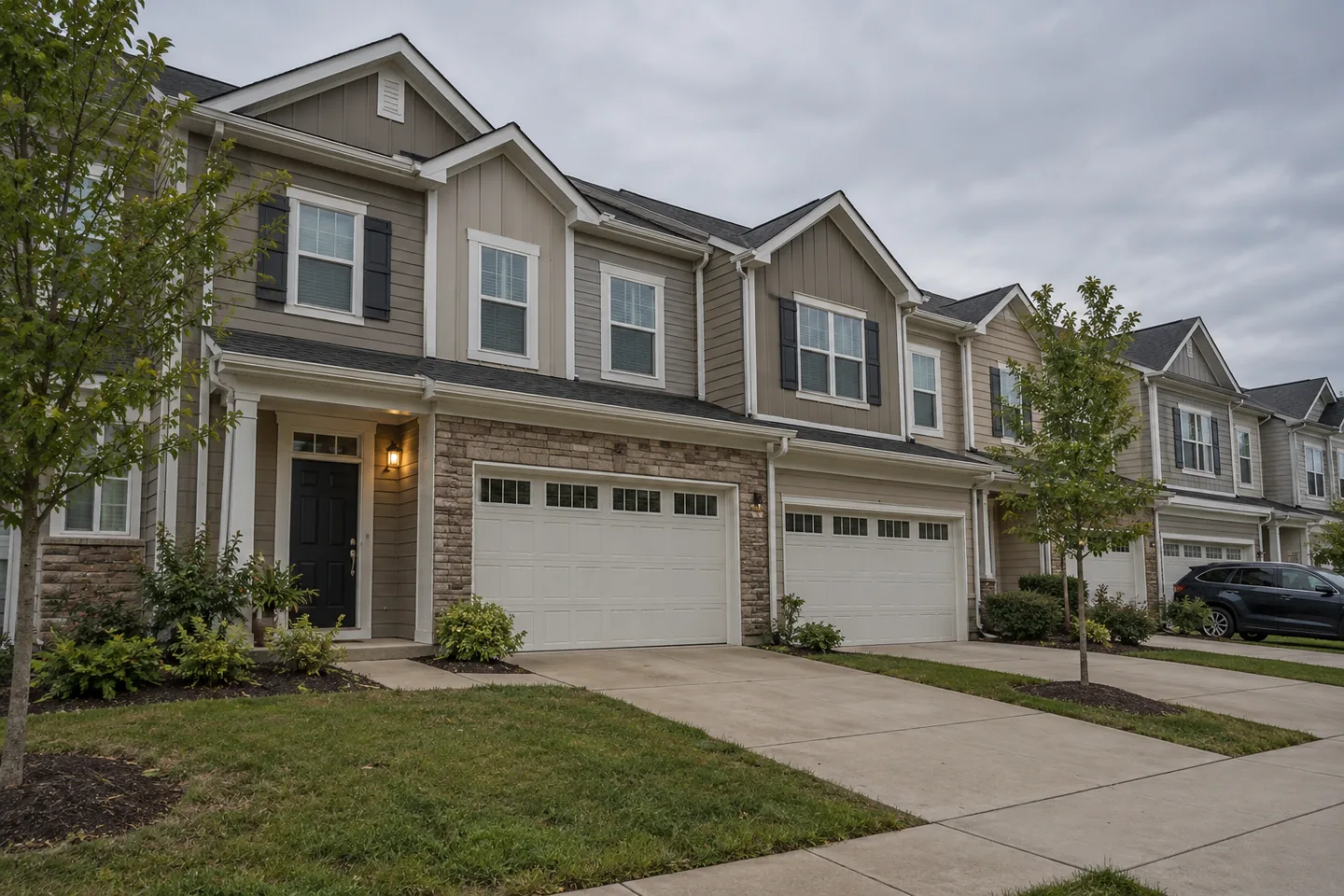
Review the details that define the property
Attached homes are a useful reminder to inspect more than the central facade. Neighboring walls, shared driveways and planting beds also communicate the setting.
- Roof shape, siding and masonry remain recognizable.
- Doors, windows and garage openings stay in place.
- Driveways, fences and property boundaries are not altered.
- No permanent feature is added or removed.
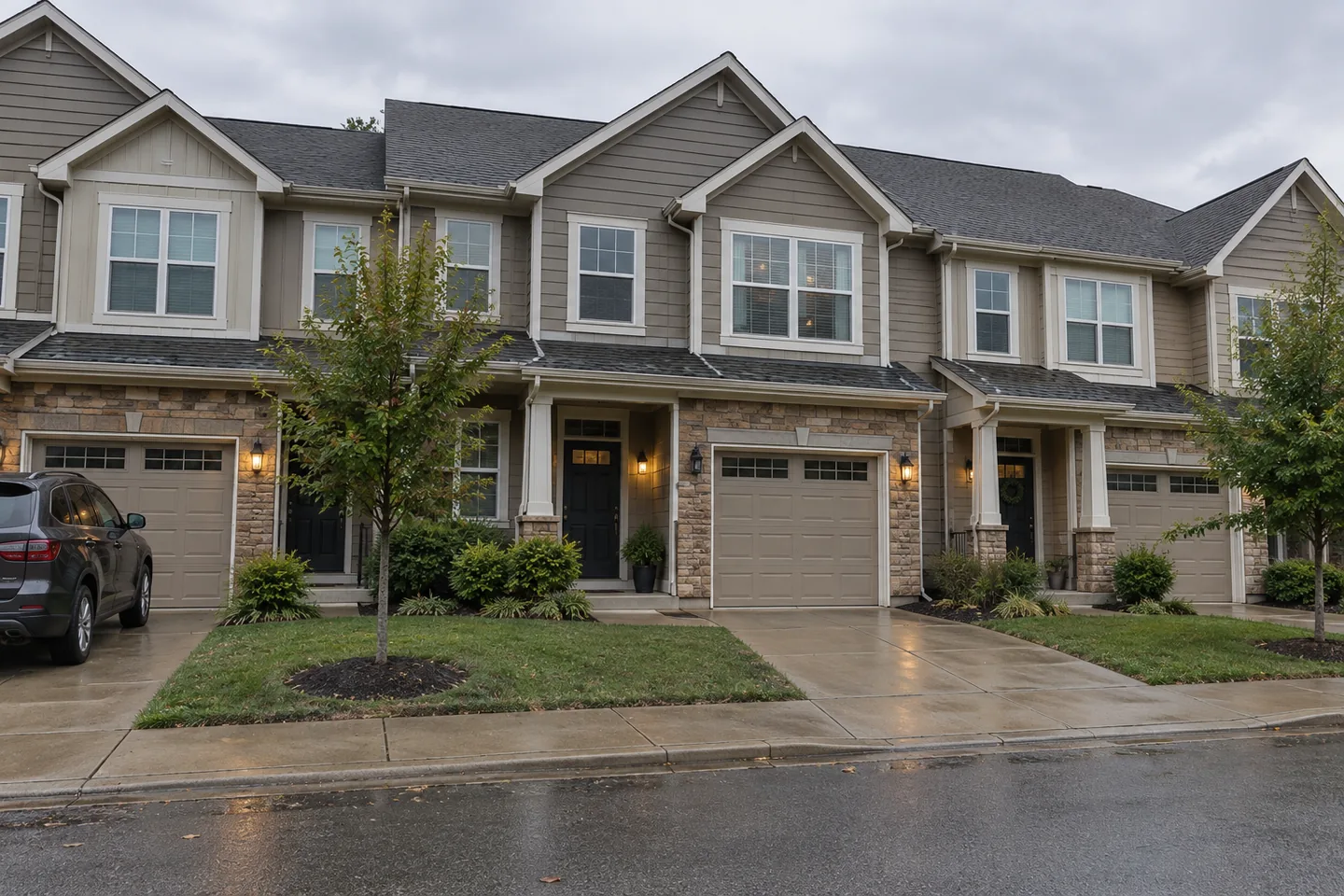
Process a set, inspect each frame
Choose Exterior before submitting a batch of outdoor photos. Each image has its own status and result. Open every completed image, compare it with the input and download only the versions you want to use.
Do not mix interior and exterior images in one submission when they require different modes. Submit a separate batch for each workflow.
Questions about this workflow
Can it turn a daytime photograph into dusk?
No. Day-to-dusk conversion and dramatic sunset replacement are not supported features of this editor.
Can it remove a car or replace a patchy lawn?
There is no dedicated object-removal or lawn-replacement tool. Keep meaningful objects and real property conditions visible.
Can it handle townhouses as well as detached homes?
Exterior mode can be used with photographs of either. Inspect repeated windows, adjoining structures and boundaries carefully; correct results are not guaranteed for every input.
RealtyPhoto AI
Try the workflow with your own photo
Sign in to see your available credits. Review every generated image before publishing it.