
Choose how much furnishing control you need
Best Virtual Staging Software for Your Needs
An empty-room visualization, consistent furniture across views, and a managed staging service are not the same job. Start with your requirement, then choose what to evaluate.
Try the staging workflow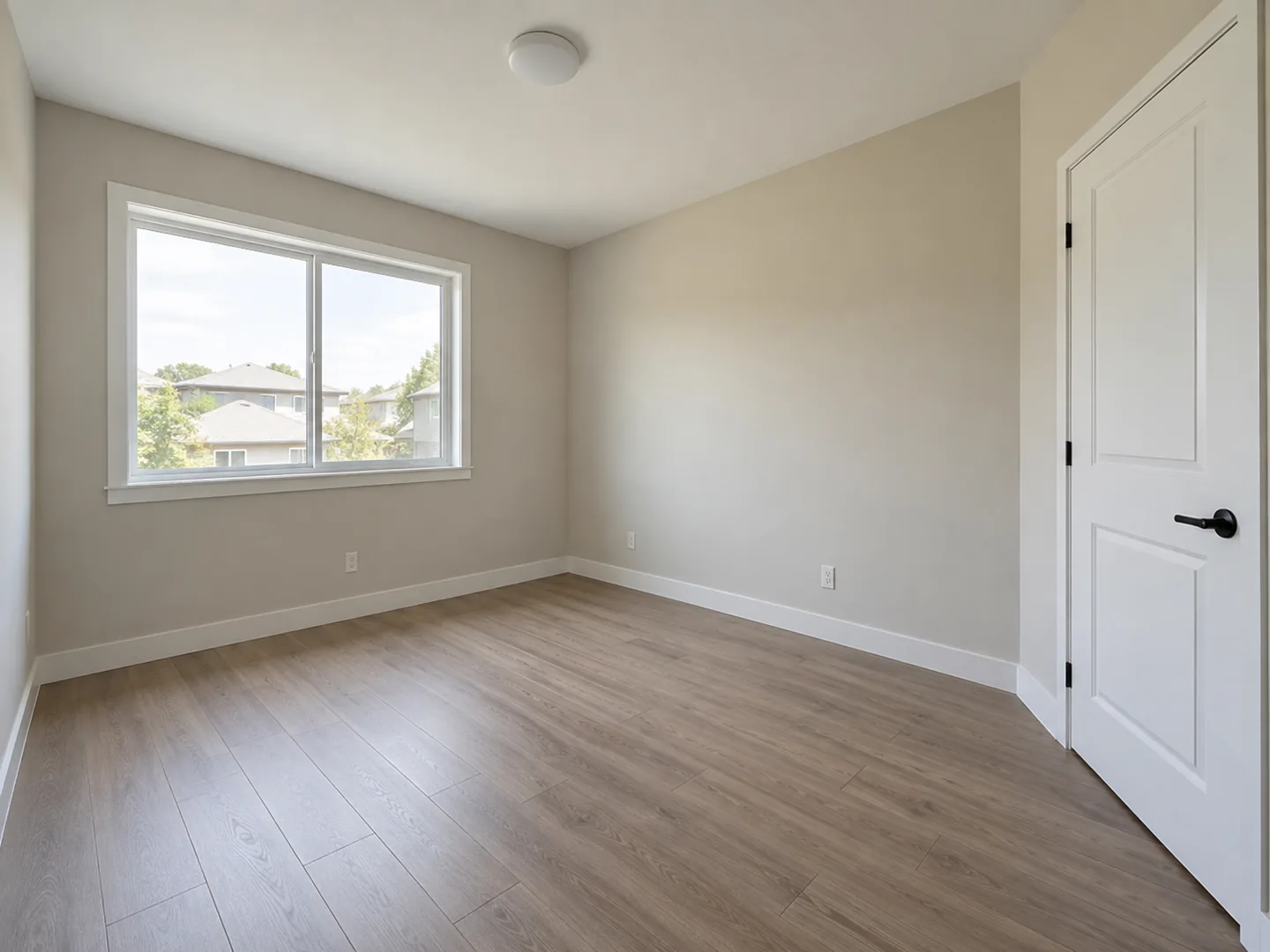
Three options to investigate
| Option | Why consider it | Important distinction |
|---|---|---|
| RealtyPhoto AI | Simple empty-room staging in six styles | Independent images; no cross-angle lock |
| Collov AI | Published staging and multi-angle options | Check the plan and workflow requirements |
| BoxBrownie | A separately priced virtual staging service | Confirm the brief, delivery and revision terms |
For a straightforward empty-room visualization
Our staging editor starts from an empty or substantially unfurnished room. You choose a style, submit the photo and review the result. It may fit a user who wants to evaluate furnishing possibilities without a large set of design controls.
There is no exact furniture catalog, object placement tool, furniture eraser or room-renovation control. A simple interface does not guarantee a usable output for every room.
For a room photographed from several angles
Collov advertises a multi-angle staging workflow. Verify its current terms and requirements if identical furnishings across views are essential. This page has not tested that feature’s reliability.
Our batch uploader is not an equivalent feature. Each image is staged independently, even when every image uses the same style.
For a staging service with a specific brief
BoxBrownie lists virtual staging as a service. If you need a provider to work to a brief, ask how furniture choices, revisions and delivery are handled before ordering.
Compare the total work you receive. A service quotation and a self-service credit pack may have different assumptions about review and iteration.
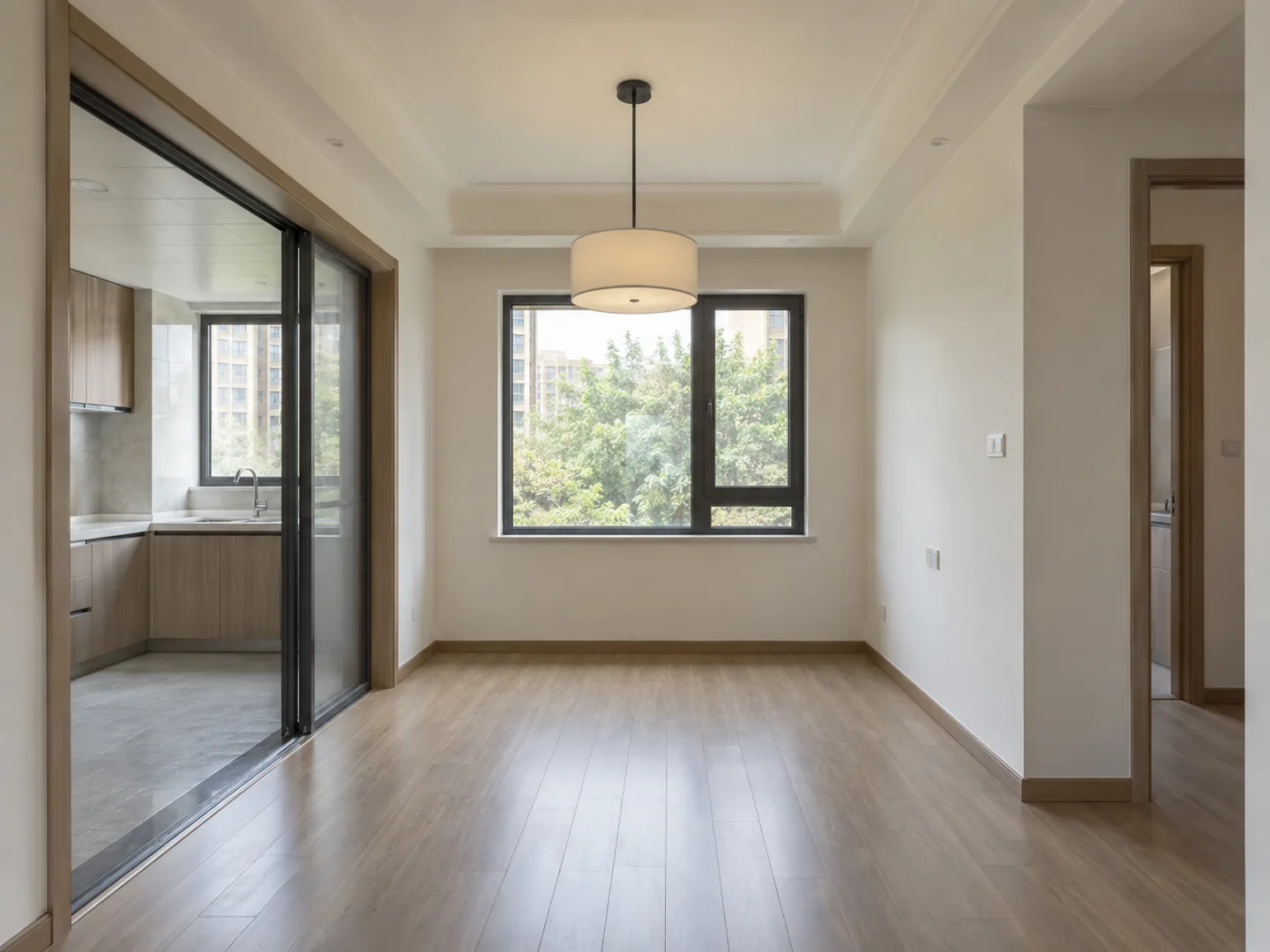
Use one room as your decision test
Choose a room with clear geometry, visible circulation routes and enough floor area to judge scale. Retain the input and record the settings used by each option. Repeat the test with a more difficult room before applying your choice to an entire listing.
- Did the windows, doors and fixed surfaces change?
- Does the furniture fit the actual room?
- Are walkways and important features still visible?
- What happens when the first result is unsuitable?
- What exactly do the trial and paid plan include?
Questions about this workflow
Is a free virtual staging app the best place to start?
A trial can help you inspect a result, but compare its watermarks, resolution, credit limits and permitted use. A trial is not evidence of ongoing free access.
Does this page name the best-quality staging AI?
No. It is a requirement-based shortlist from published information. It does not claim to have run a controlled image-quality benchmark.
RealtyPhoto AI
Try the workflow with your own photo
Sign in to see your available credits. Review every generated image before publishing it.