
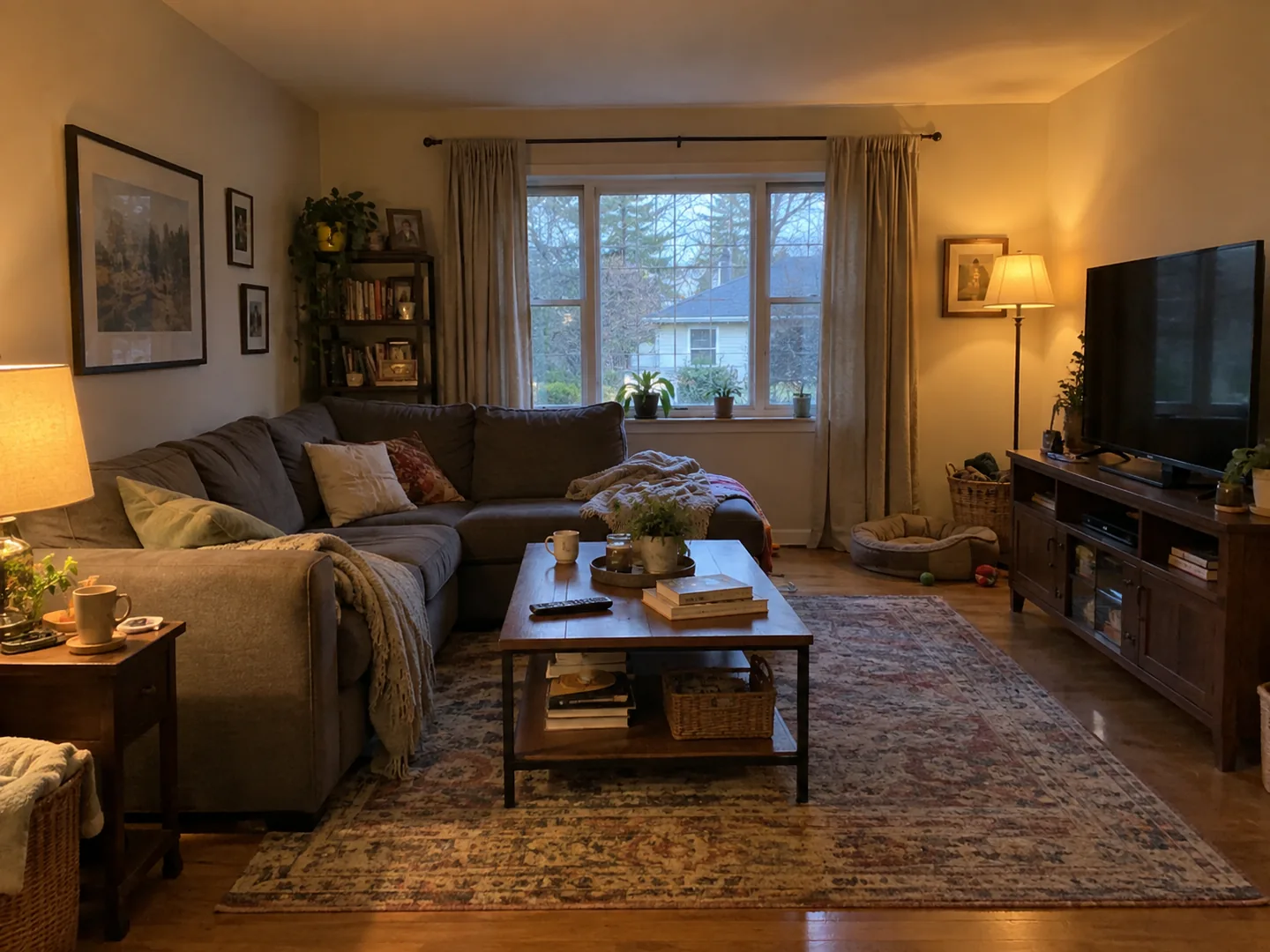
Sample input
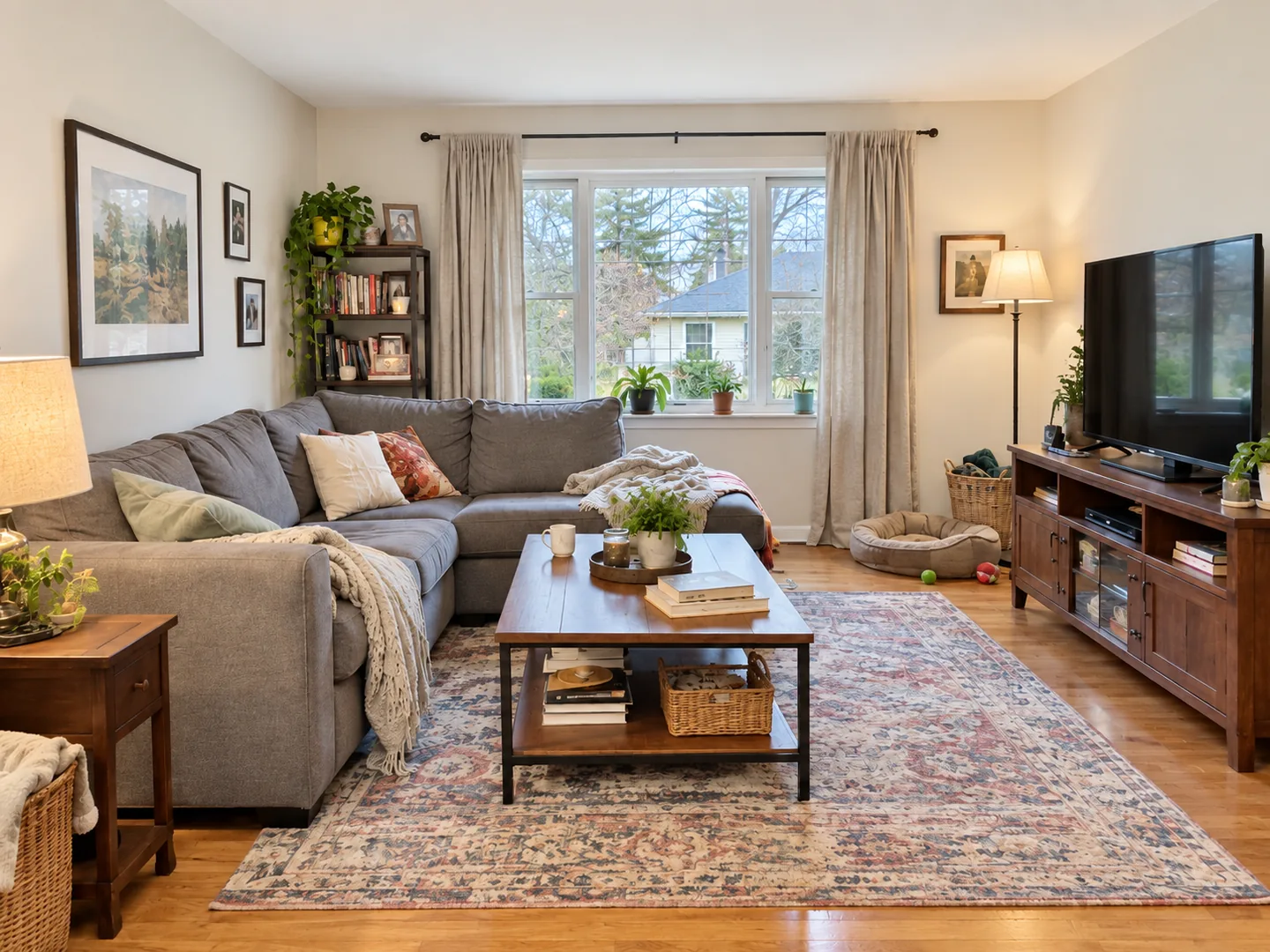
Illustrative example
Interiors
A brighter living room: concept comparison
Explore dim and neutral lighting in a furnished living room.
The image reference library
Explore lighting and furnishing examples, then choose a workflow for your own photo.
Try your own photoSample input
Illustrative example
Explore dim and neutral lighting in a furnished living room.
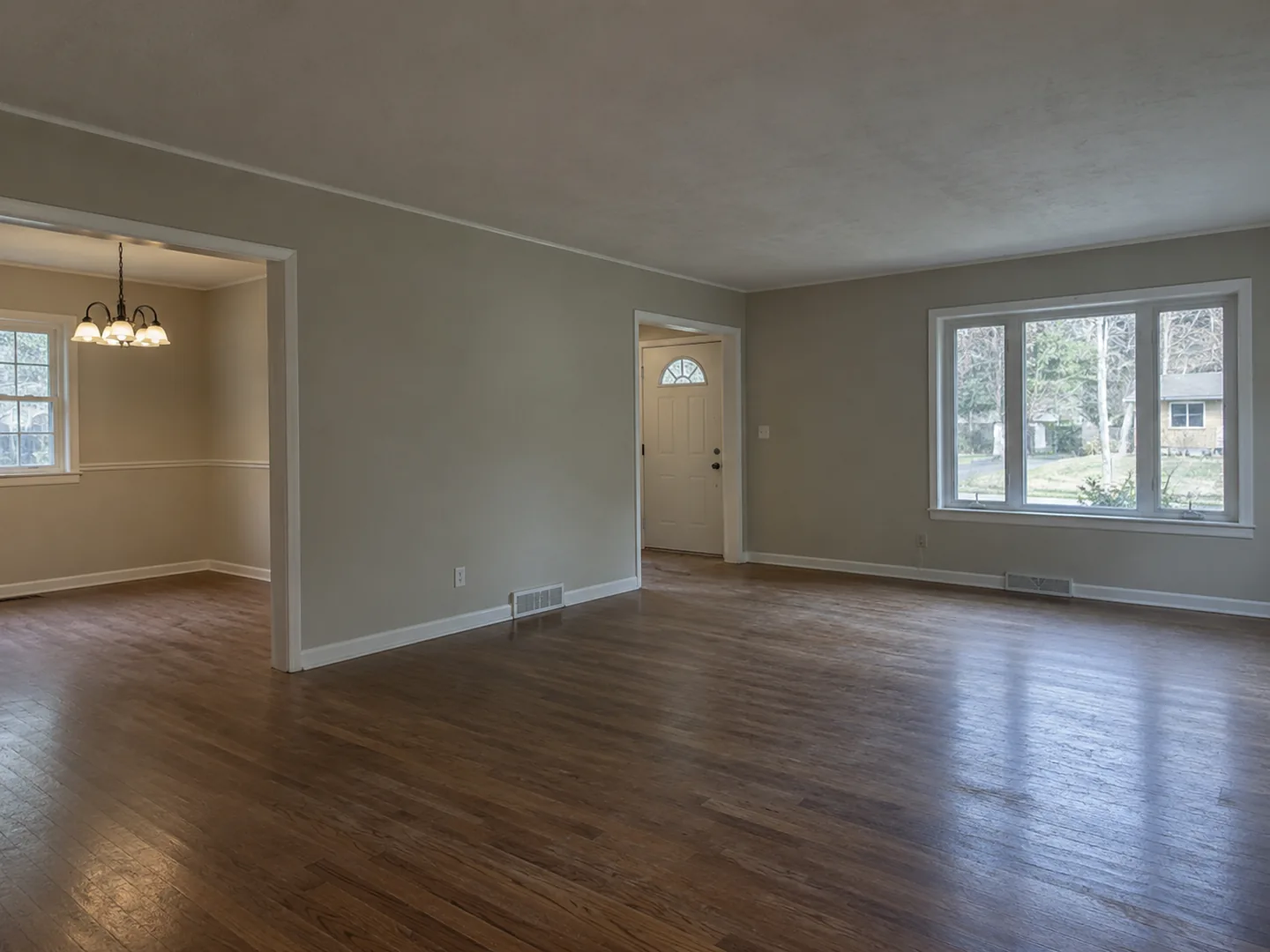
Sample input
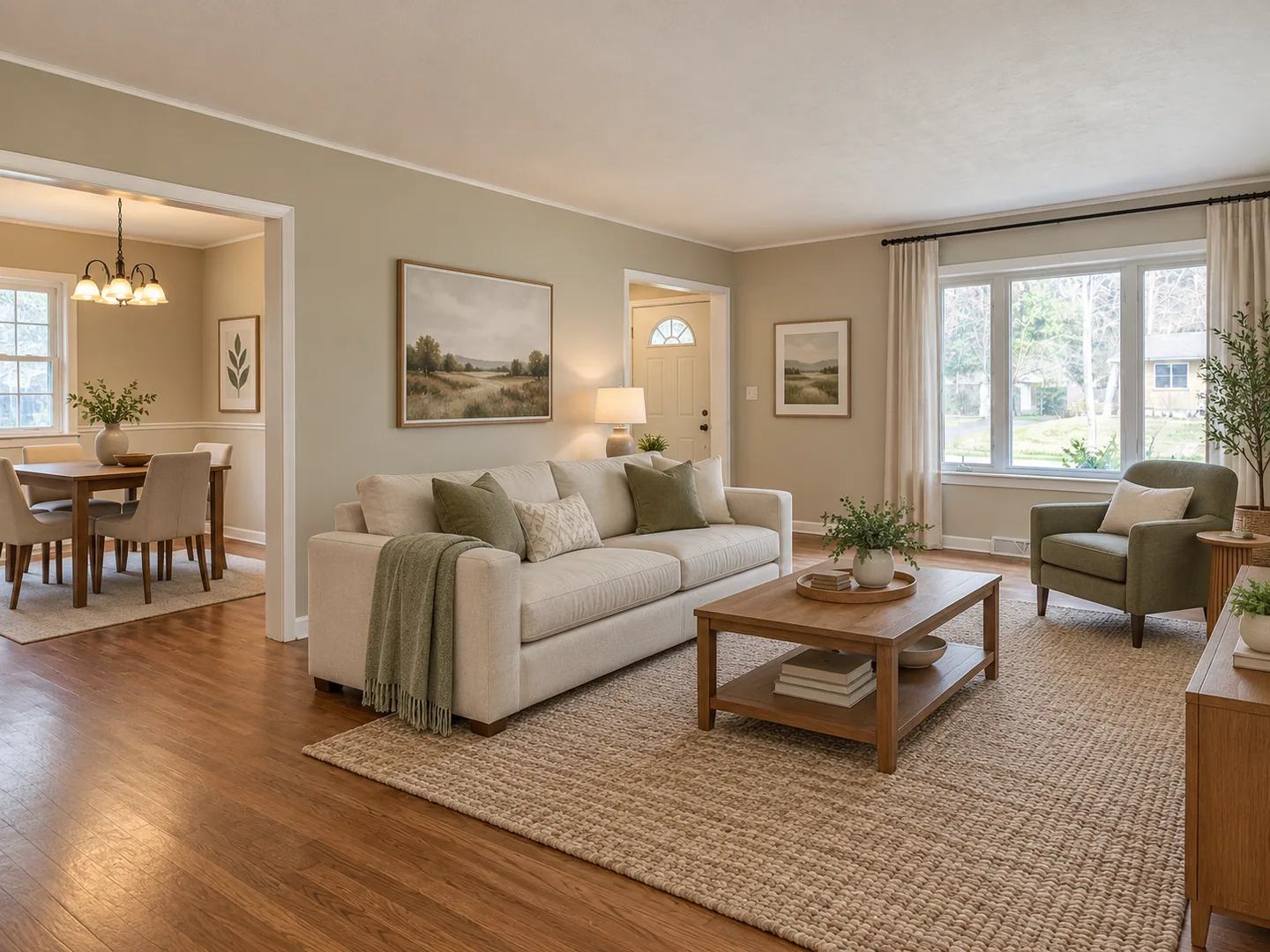
Illustrative example
Explore furniture placement, room proportions and open walkways.
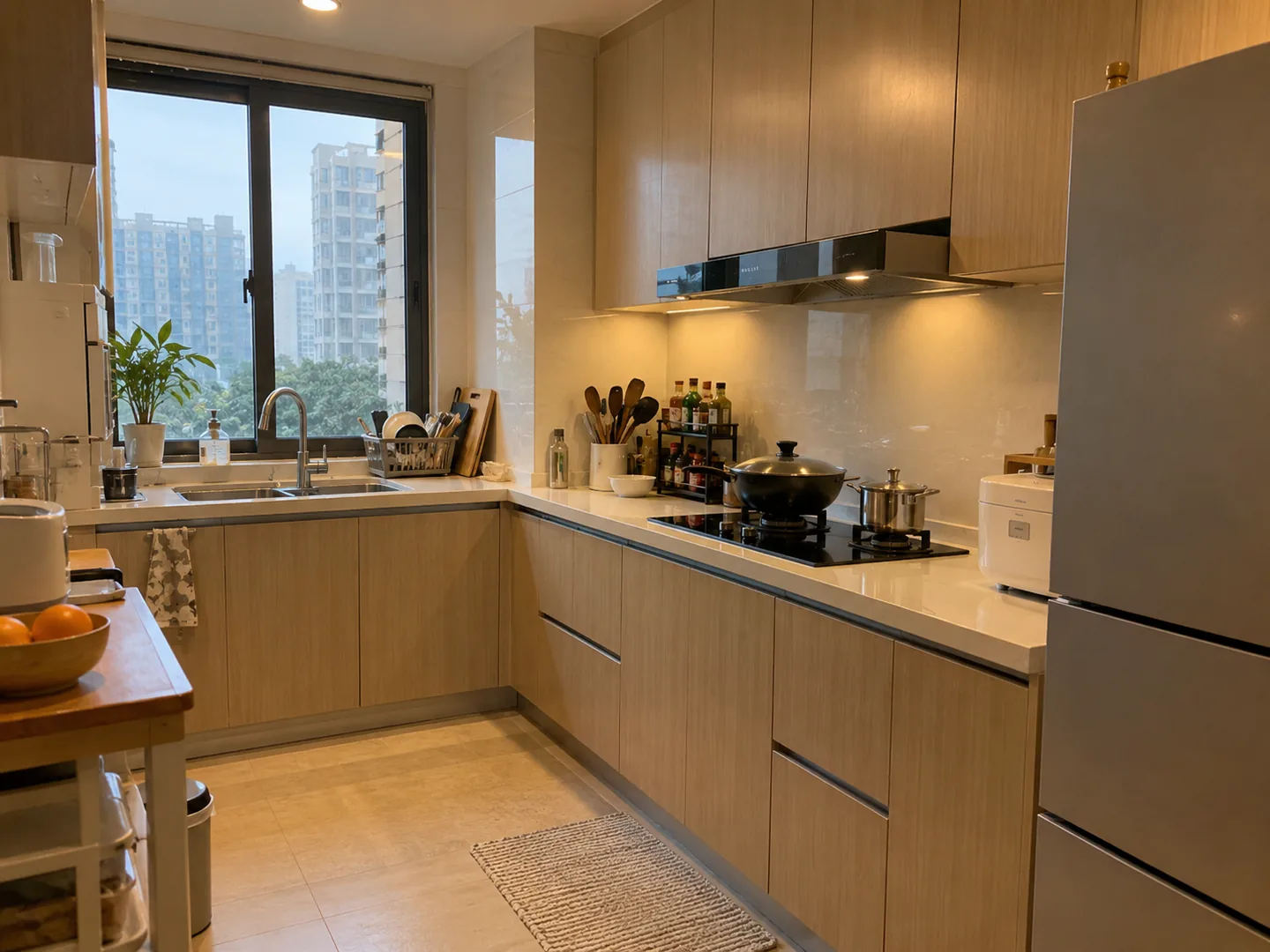
A sample input for checking white balance, cabinet color and existing appliances.
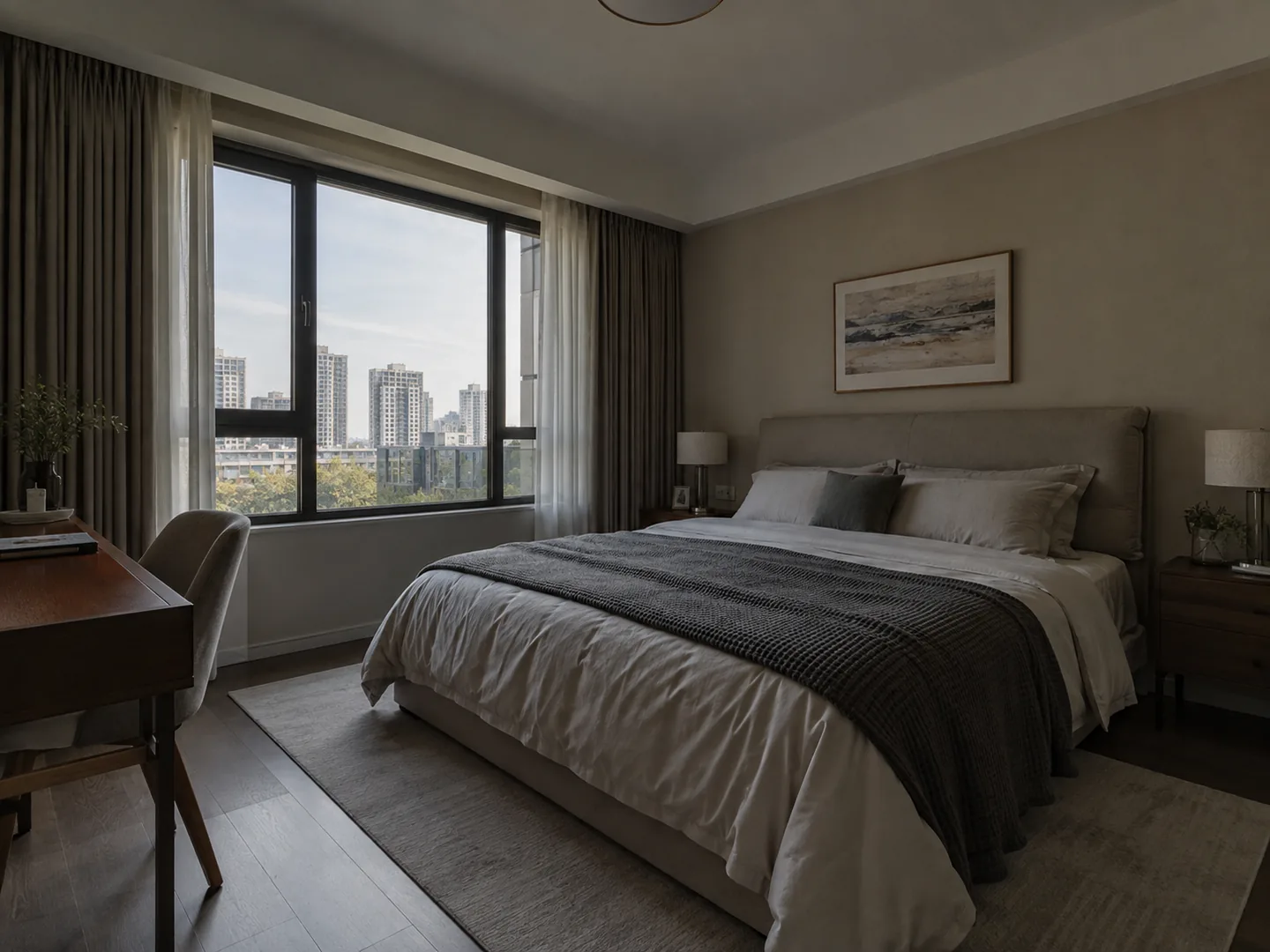
A sample input for evaluating shadows, window detail and believable exposure.
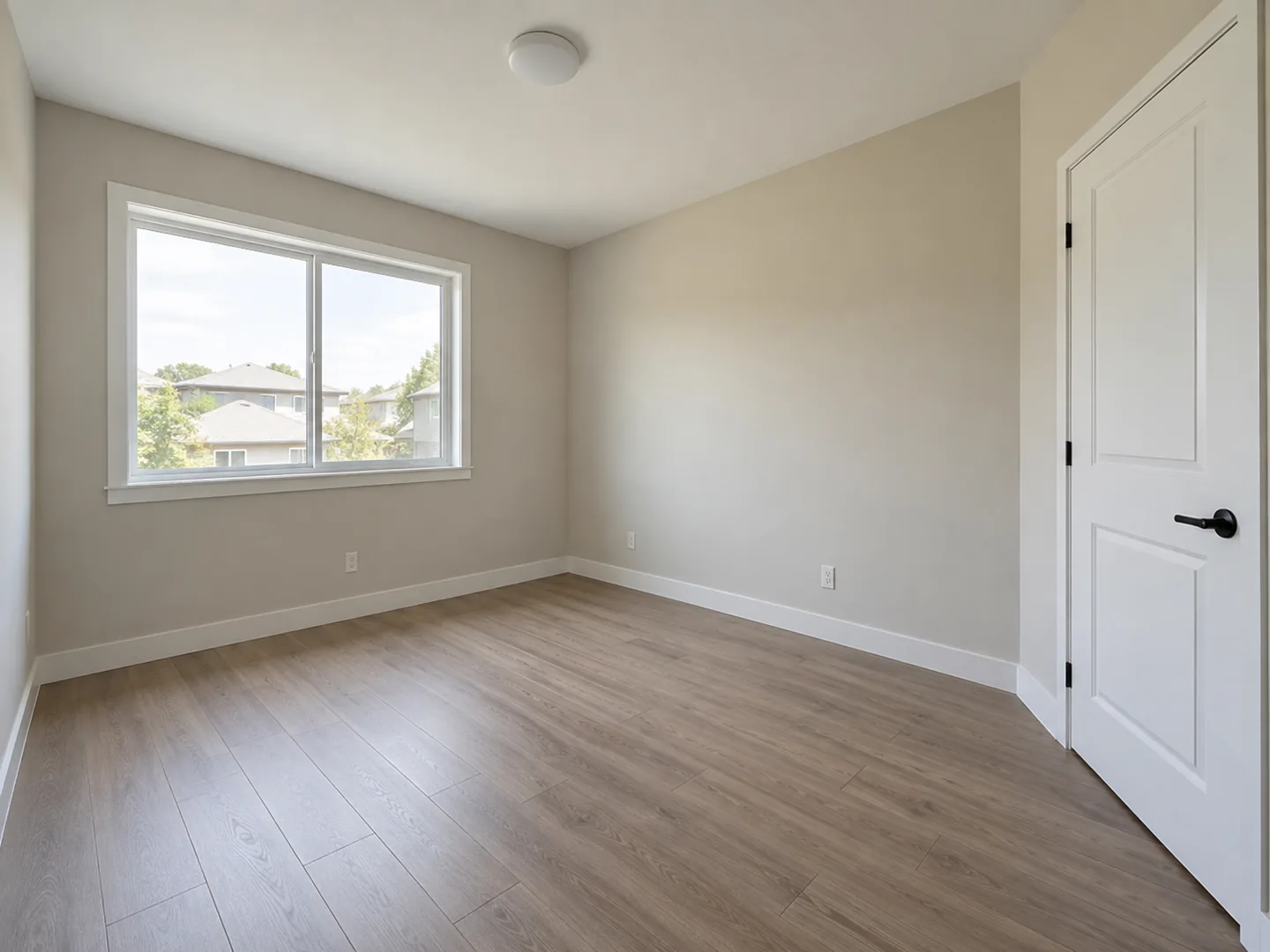
Visible flooring and doorways help you judge furniture scale in a later result.
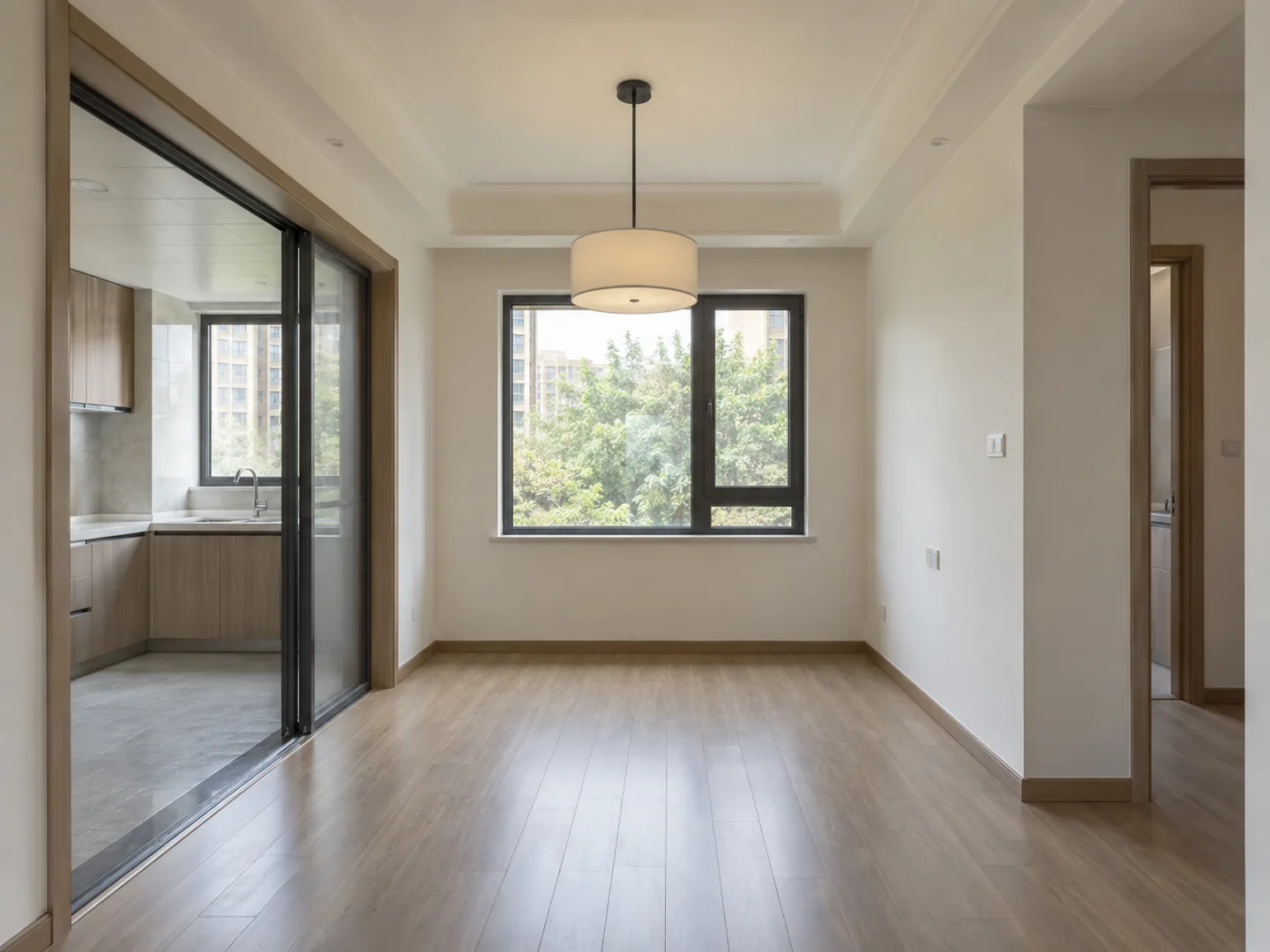
Check that virtual tables and chairs leave access to the kitchen and neighboring rooms.
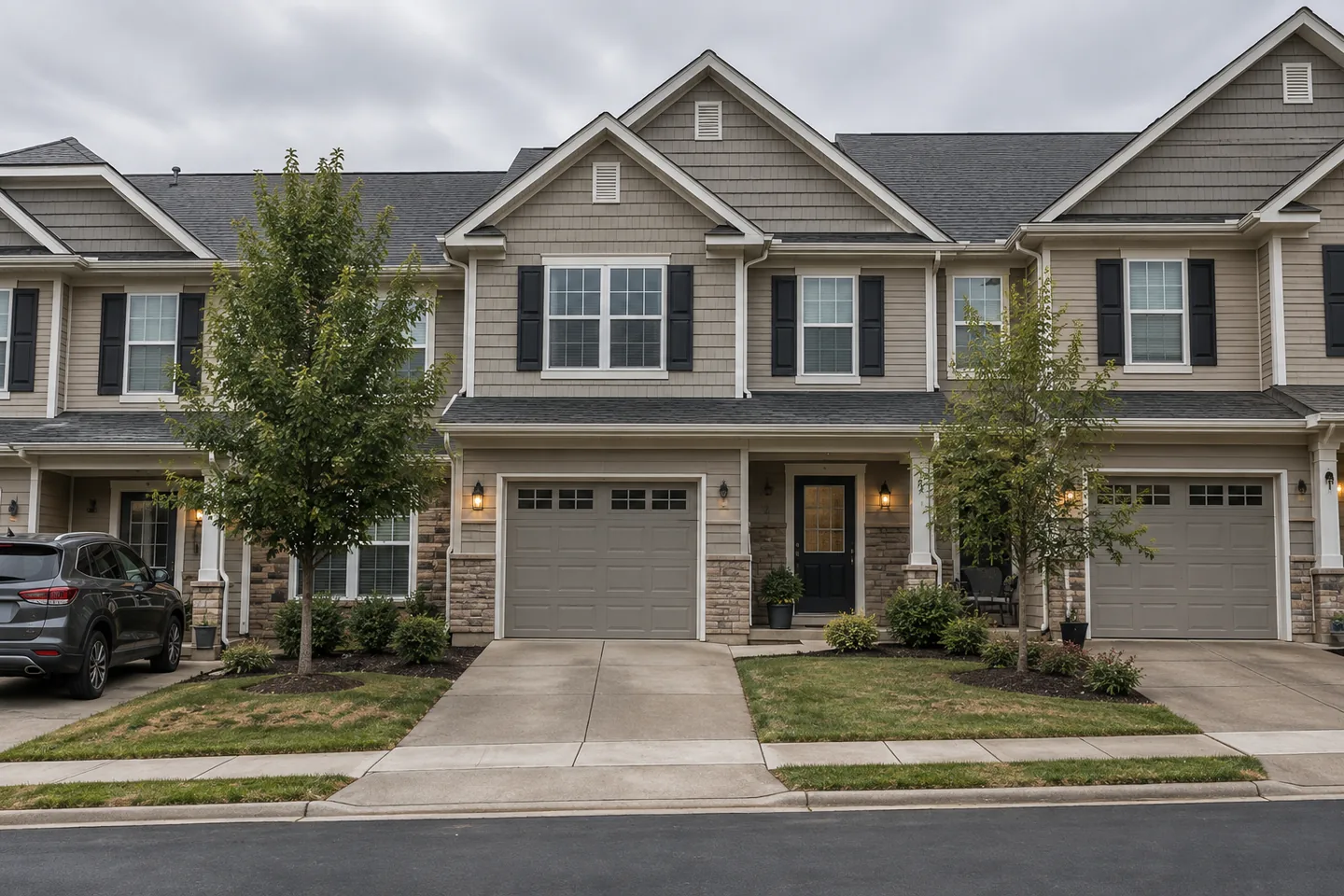
An input illustration for checking facade exposure without changing the architecture.
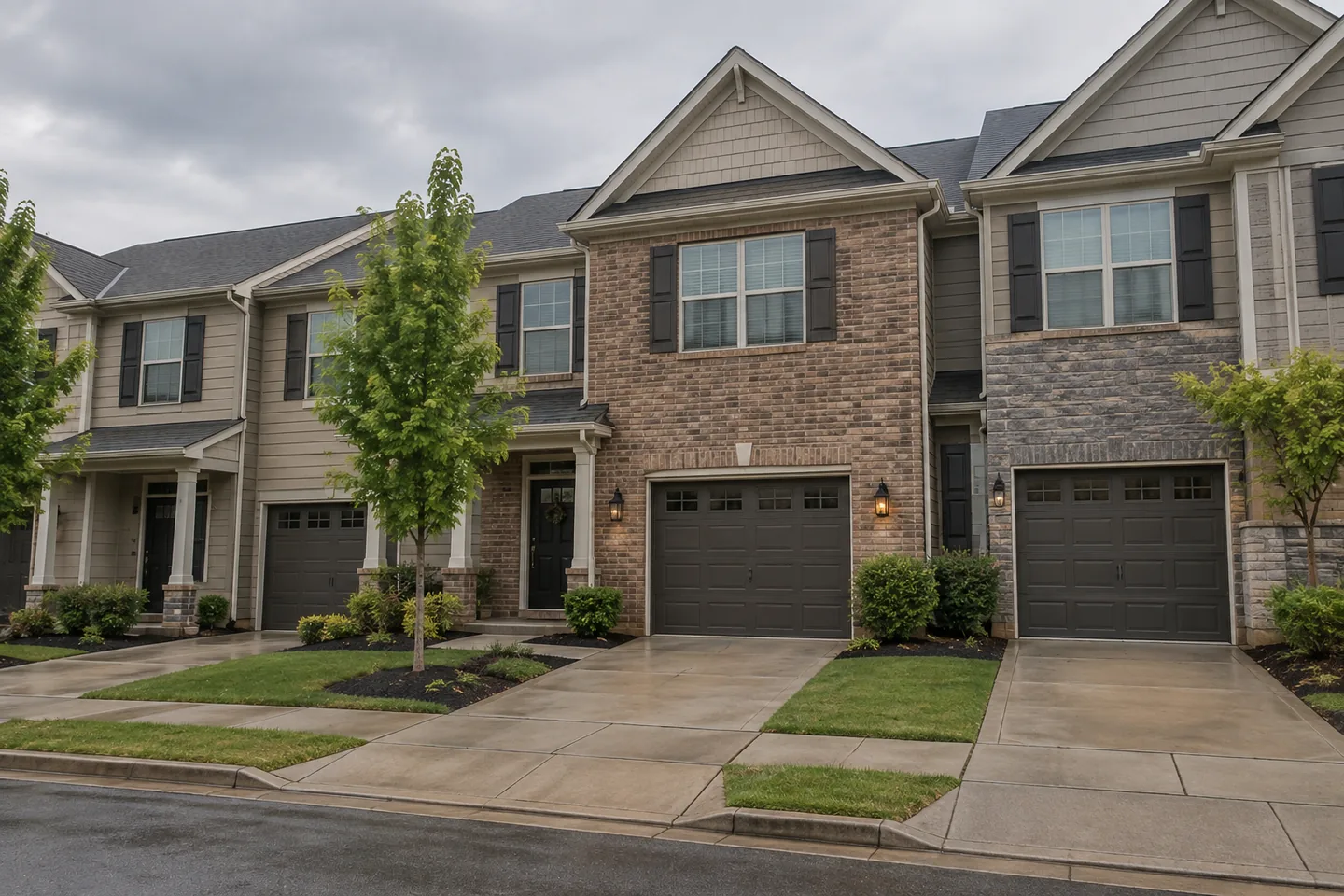
Use material color and repeated windows as reference points during result review.
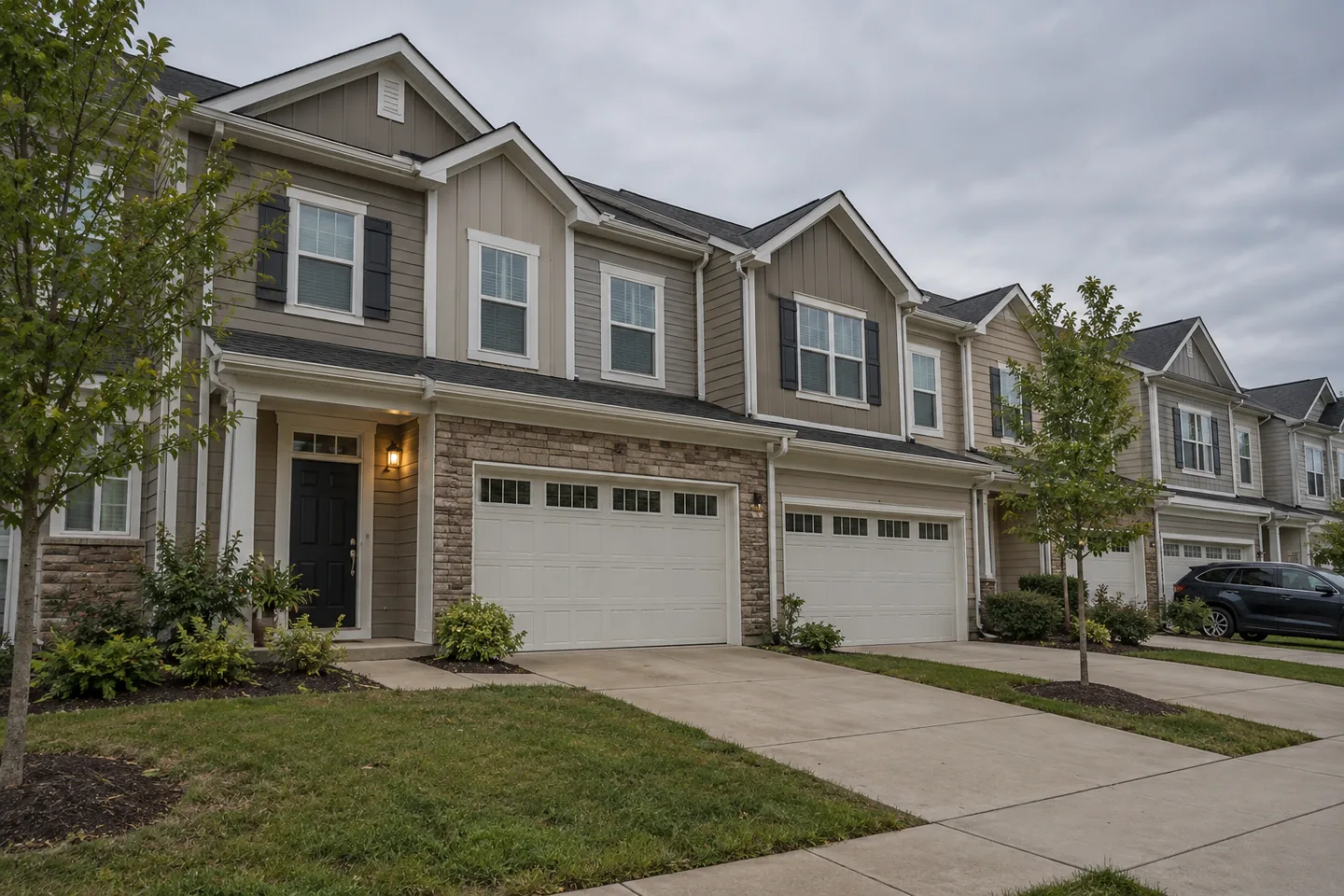
Shared driveways and adjoining structures should stay recognizable.
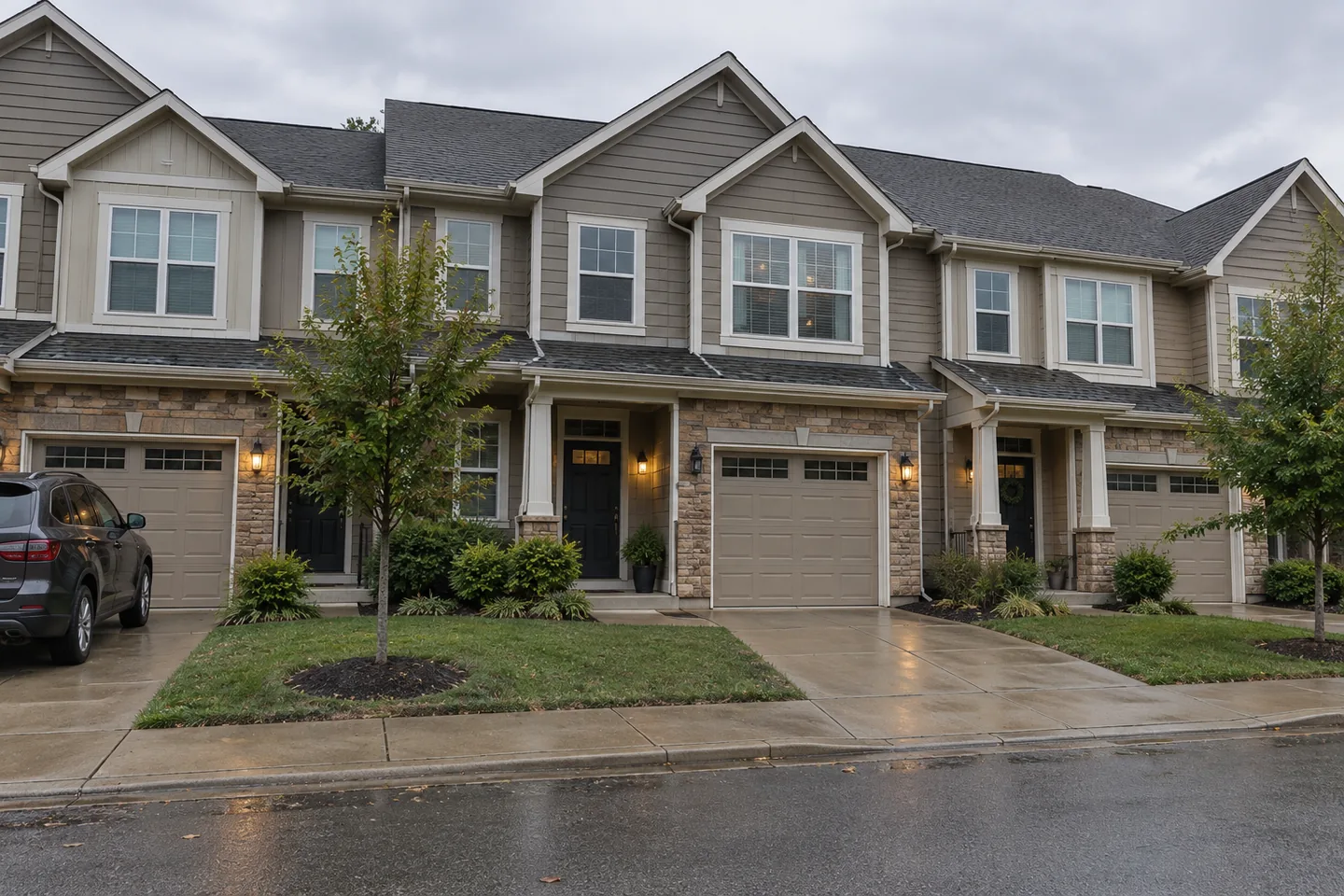
Natural exterior enhancement should not invent a different landscape.
Look beyond brightness. Compare the position of windows and doors, the materials in the room, furniture scale and small repeated details. A pleasing image can still contain a change that is unsuitable for a listing.
Upload a photo to create a result you can evaluate. Completed tasks show their own original and output images. Switch between the ready results in a batch, then download individual files or the ready set.
Your task history is private in My photos. Returning to the homepage starts a fresh editing session; it does not publish or erase your task history.
RealtyPhoto AI
Sign in to see your available credits. Review every generated image before publishing it.