Skip to content

Twilight Photos for Real Estate

See how daytime property exteriors look at dusk, then create a twilight photo from your own listing image.

Upload a daytime photo
  1. Choose a daylight exterior
  2. Create a twilight edit
  3. Review before download
Compare Daylight with Twilight edit
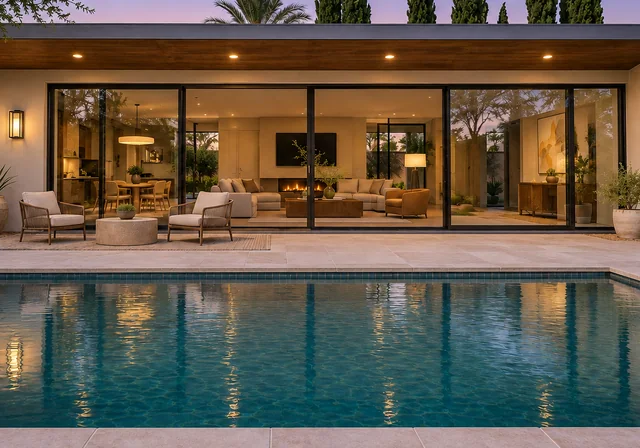
The same pool courtyard at blue hour with warm indoor light reflected in the water
Daylight across a turquoise pool toward a glass wall beneath a flat roof
DaylightTwilight edit

Drag to compare the same exterior in daylight and at dusk. Sample property.

Day to Dusk Photo Editing

Upload up to 10 daytime exterior photos. Review each result against the original before downloading.

JPG, PNG or WebP · up to 20 MB per photo · longest side up to 4096 px

Virtual Twilight

Create a dusk version of an exterior photograph and compare it with your original.

Custom prompt(optional)

Leave blank to use the default settings. Your prompt applies to every photo in this batch.

0 / 1000
0 of 0 complete, 0 active, 0 failed

Real Estate Twilight Photo Examples

Each pair starts with one daylight sample and shows its edit from the same viewpoint. For a similar blue hour look, use the custom prompt to ask for a cool sky, a warm horizon and subtle light from existing fixtures. Open the detail to check for changes around the glass, entry or roof.

Modern pool courtyard
Compare Daylight with Twilight edit
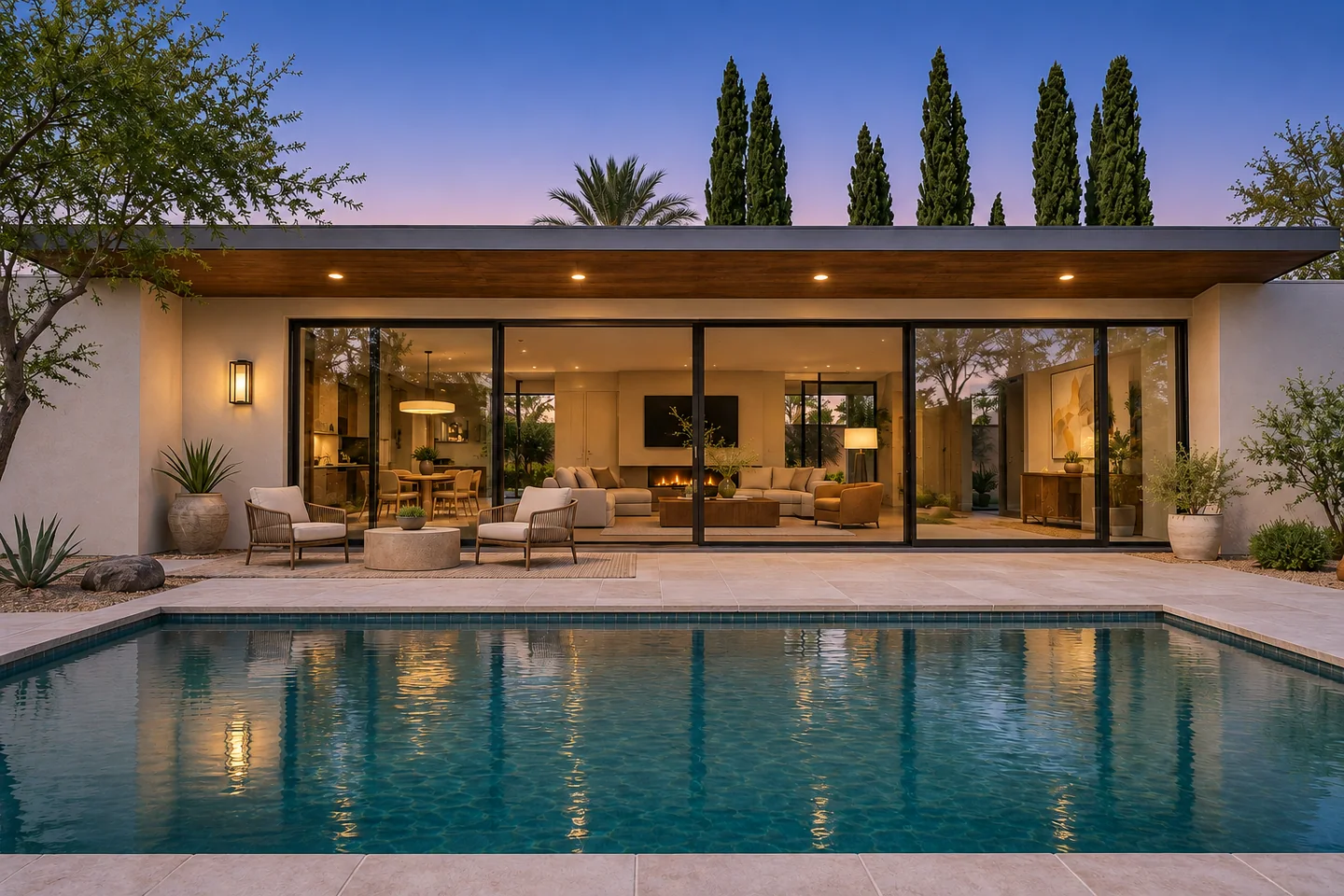
The same pool courtyard at blue hour with warm indoor light reflected in the water
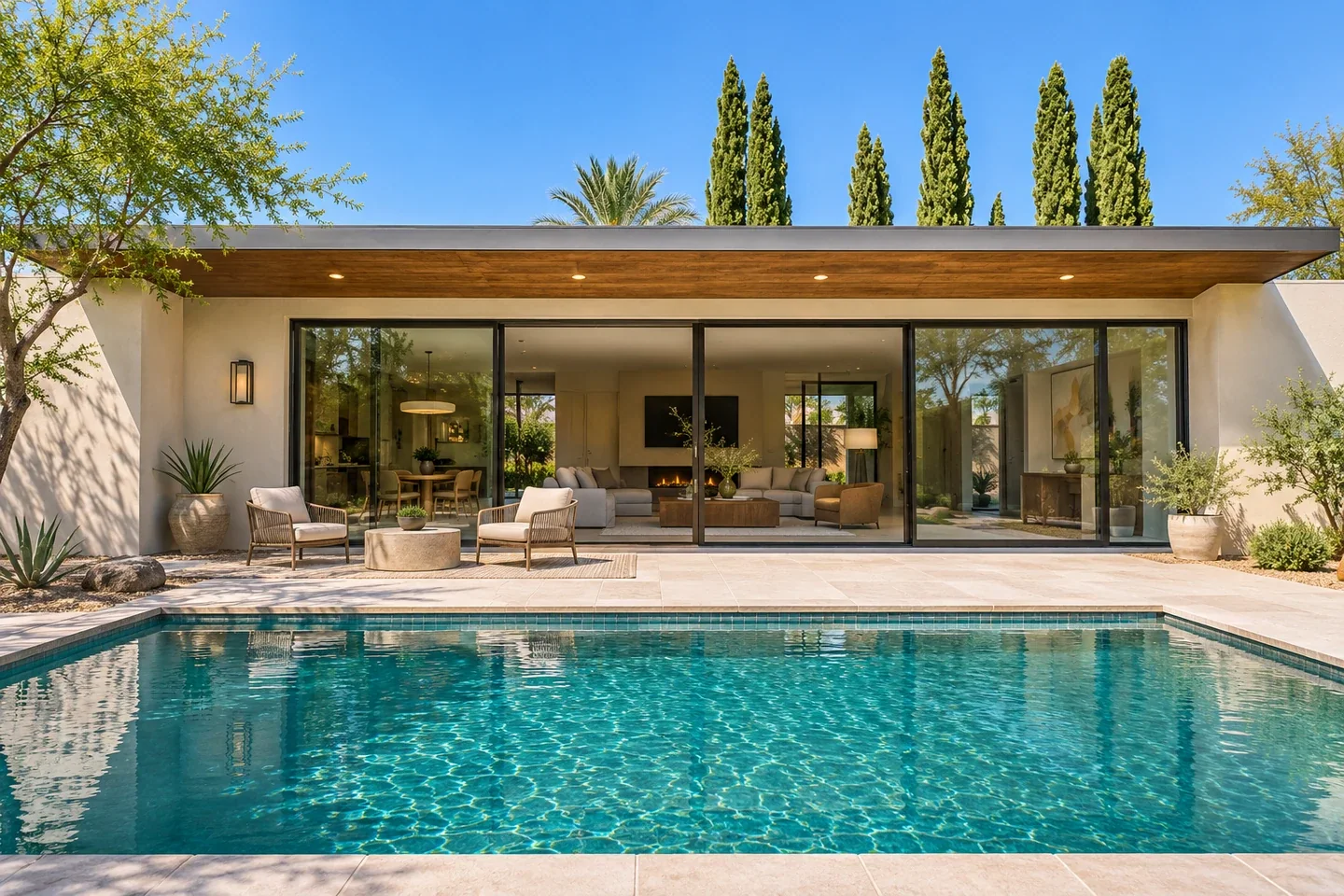
Daylight across a turquoise pool toward a glass wall beneath a flat roof
DaylightTwilight edit
Source
The pool fills the foreground, with a full glass wall and a row of recessed lights under the roof.
Edit
Cool blue light settles over the courtyard while the interior and covered patio glow warmer.
Review
Follow the glass divisions down into the water. Compare the pool edge, the light positions and the brightness of the reflections against the source.
Inspect the glazing and pool reflections
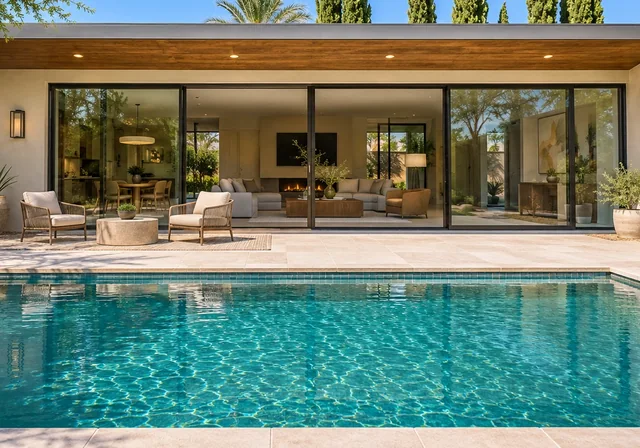
Daylight across a turquoise pool toward a glass wall beneath a flat roof
Daylight detail
The same pool courtyard at blue hour with warm indoor light reflected in the water
Twilight detail

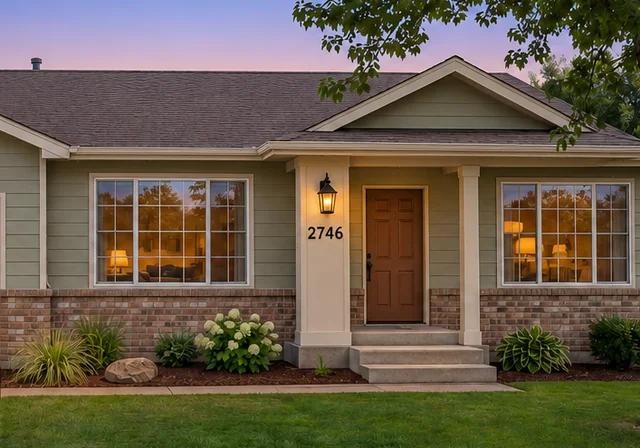
Suburban home from the curb

Compare Daylight with Twilight edit
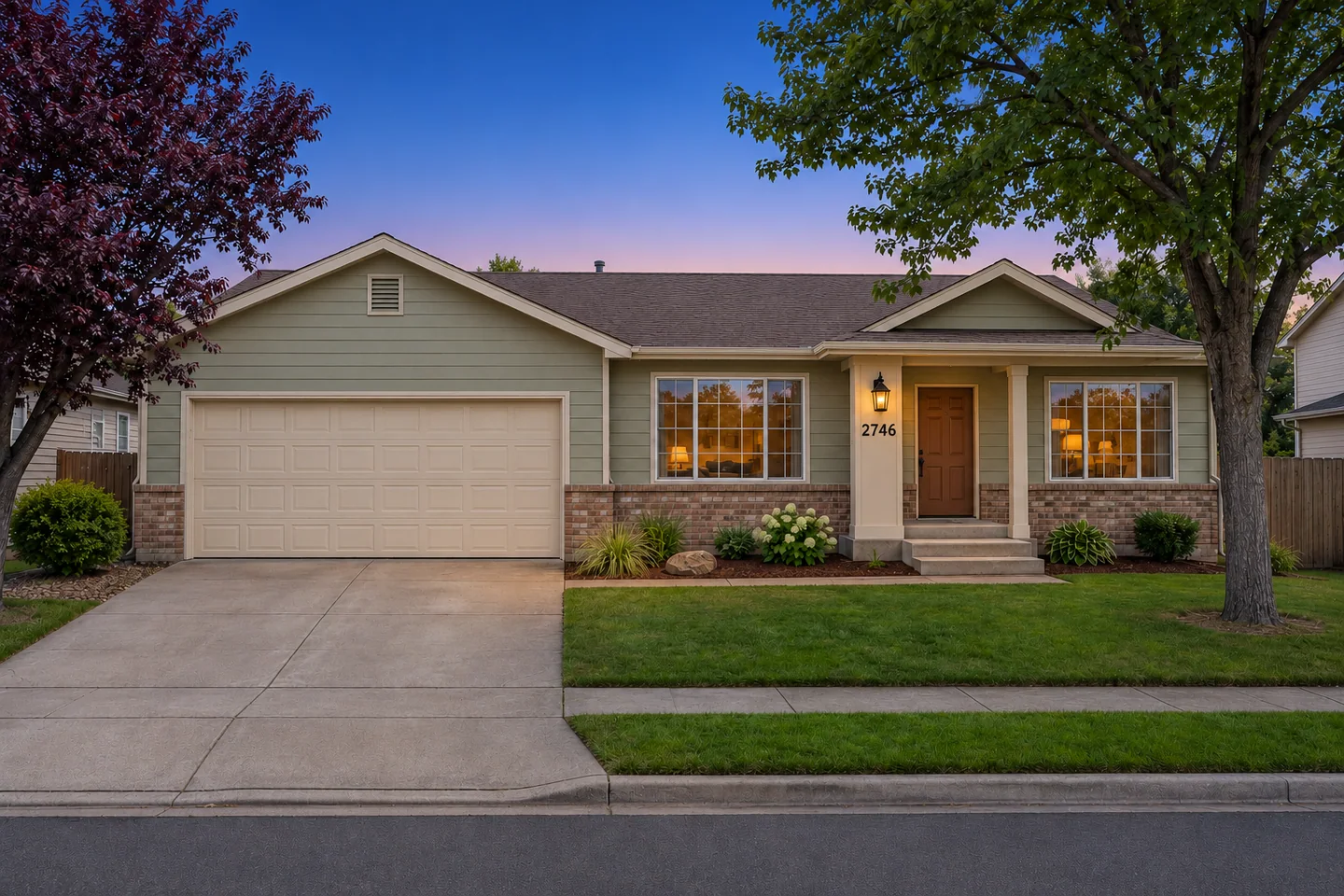
The same suburban home at dusk with warm window and porch light
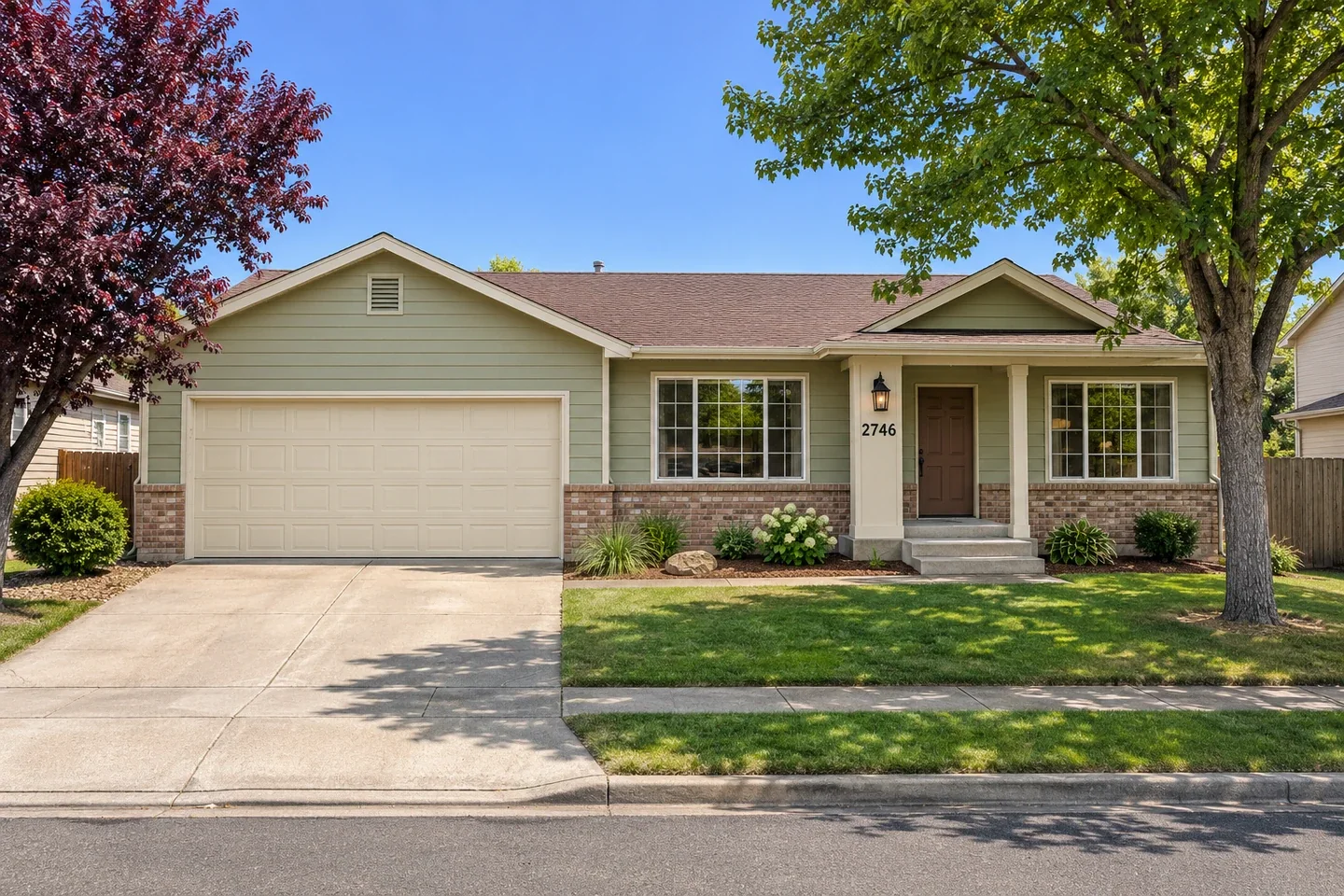
Daylight view of a sage suburban home with an attached garage and number 2746 beside the porch
DaylightTwilight edit
Source
A wide curbside frame keeps both front windows and the entry number visible between two mature trees.
Edit
The sky and lawn cool as the existing entry and window light become more prominent.
Review
Read 2746 in both frames. Verify the layout of the two front windows and the step up to the porch.
Inspect the address and front windows
Daylight view of a sage suburban home with an attached garage and number 2746 beside the porch
Daylight detail
The same suburban home at dusk with warm window and porch light
Twilight detail

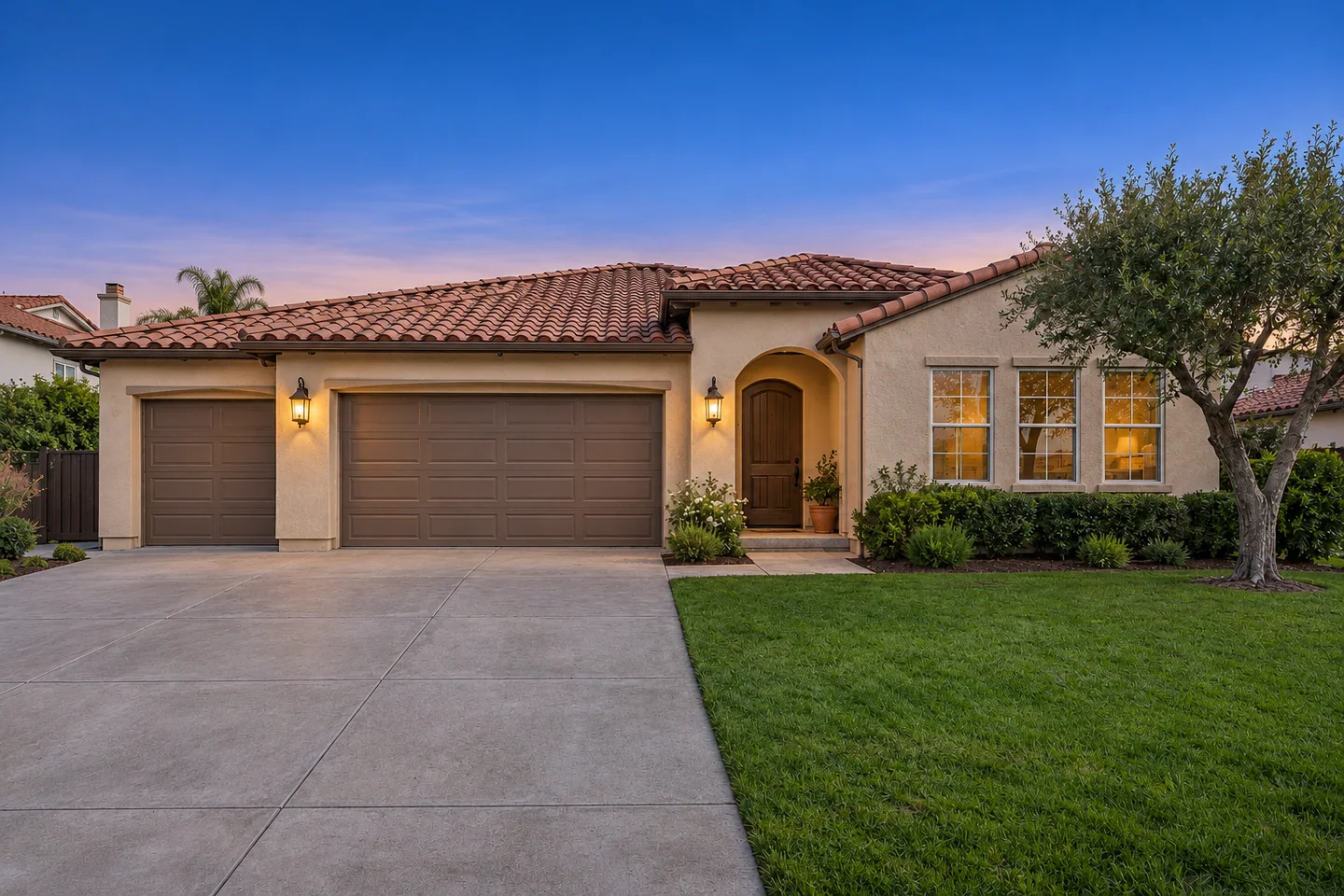
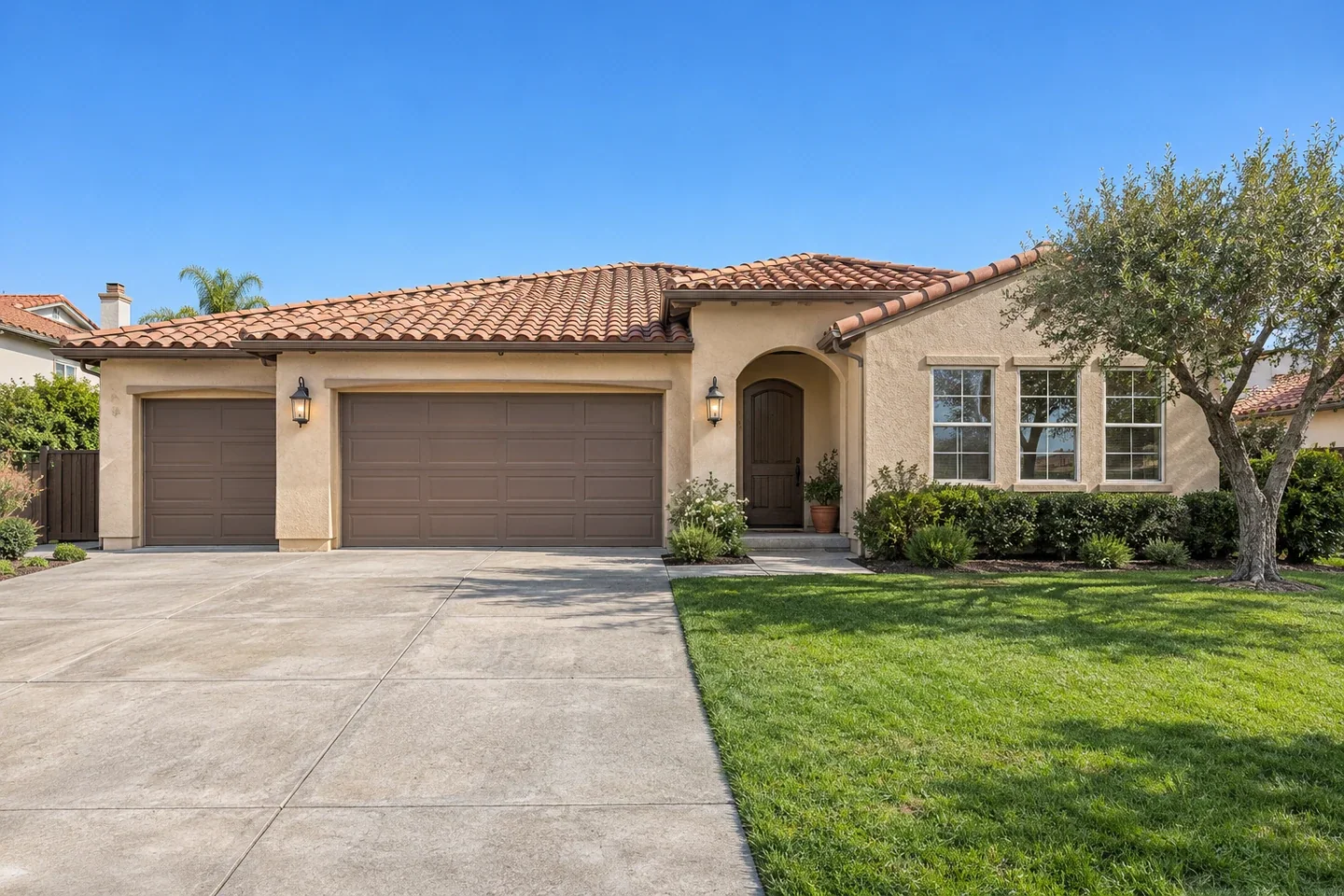
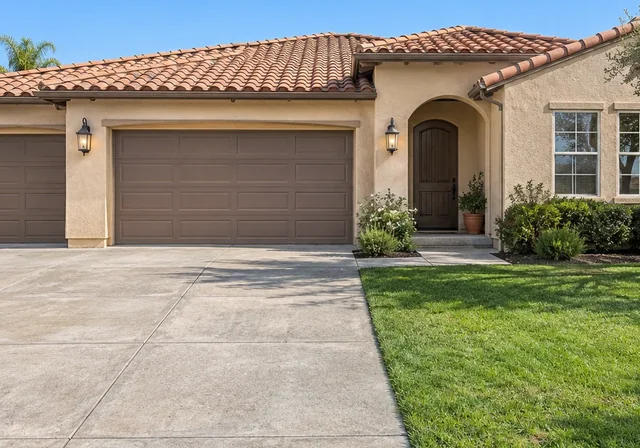
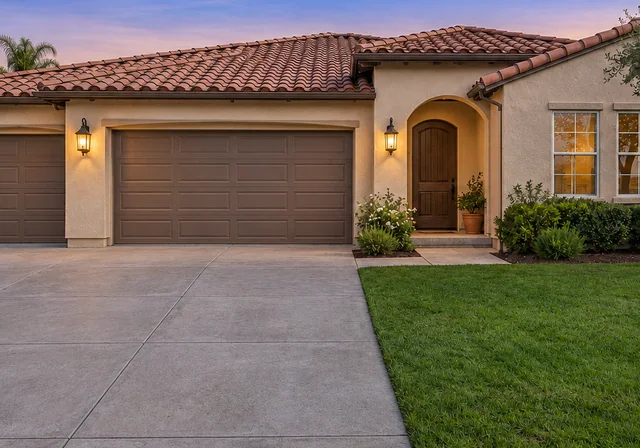
Wide driveway and tile roof

Compare Daylight with Twilight edit
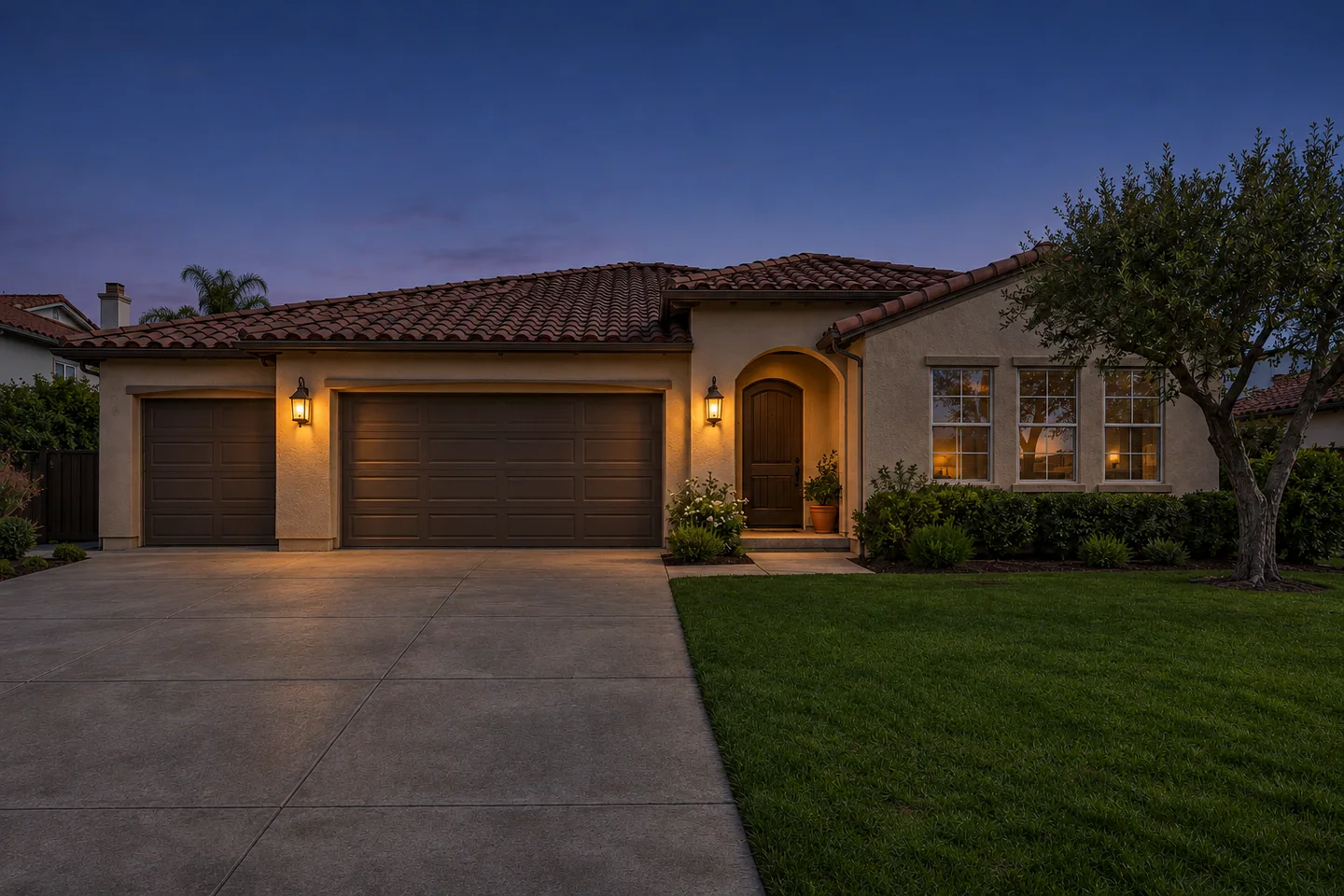
The same driveway and tile roof at dusk with warm light from the existing lanterns
Sunny straight-on view of two garage doors, a broad driveway and a terracotta roof
DaylightTwilight edit
Source
The pale driveway and sunny lawn occupy most of the foreground, with two garage doors behind them.
Edit
The concrete and lawn take on the cooler color of evening, while the existing wall lanterns make the entry easier to spot.
Review
Look for bright daytime patches and new mirror-like reflections on the dry driveway. The surface joints and roof profile should still line up.
Inspect the driveway edge and garage fixtures
Sunny straight-on view of two garage doors, a broad driveway and a terracotta roof
Daylight detail
The same driveway and tile roof at dusk with warm light from the existing lanterns
Twilight detail

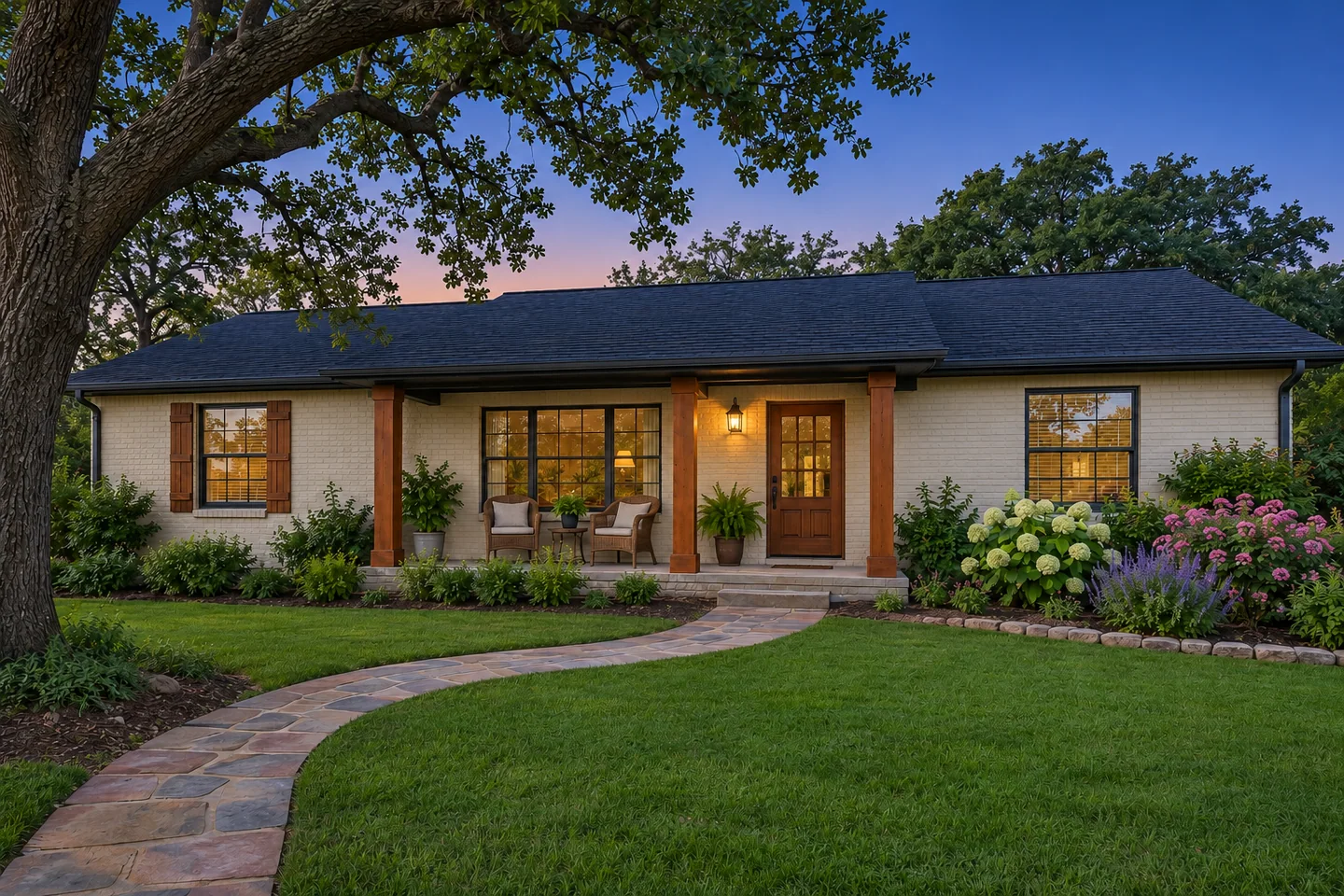
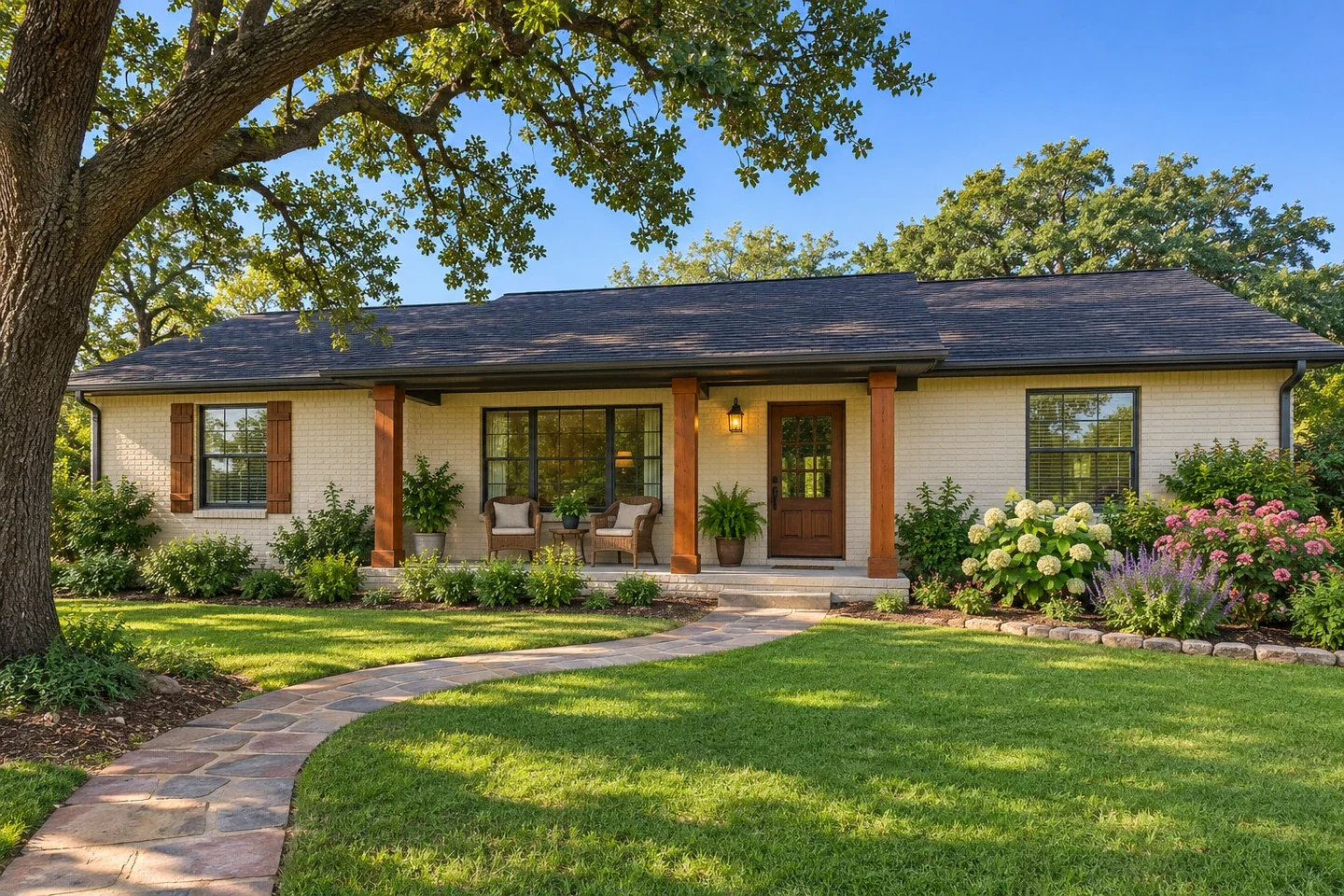
Front garden and covered porch

Compare Daylight with Twilight edit
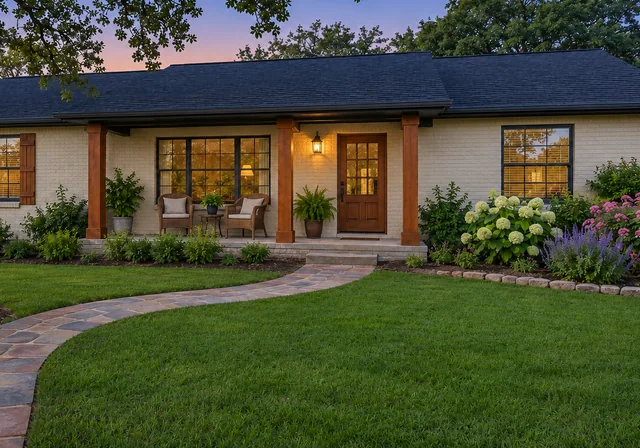
The same front garden and covered porch in twilight
Daylight over a curved front path, cream brick ranch and flowering shrubs
DaylightTwilight edit
Source
A curved path guides the eye past the lawn to a recessed porch under a broad shade tree.
Edit
The foreground darkens as warm porch and window light draw attention to the entrance.
Review
Trace the original path edge and the bases of the porch columns. Use the daylight image for a clear view of the plants and exterior materials.
Inspect the path and porch columns
Daylight over a curved front path, cream brick ranch and flowering shrubs
Daylight detail
The same front garden and covered porch in twilight
Twilight detail

Which daylight photo should you use?

Choose the frame that makes the property easiest to read. If you have several exterior angles, run one before committing the whole batch.

Even light and a clear facade
Try this first

Choose the frame with a readable entry, visible window divisions and separation between the roofline and the sky. An open-shade or overcast frame often gives you that combination.

Hard shadows, glare or glass
Test one photo

Review the darkest part of the facade and the brightest reflection at full size. Select a second angle with less direct light if either still reads as daytime.

Blurred details or blocked frontage
Choose another frame

A conversion cannot reliably recover the real door number or window design from missing detail. Start from a sharper original that shows the areas you need buyers to see.

Compare Daylight with Twilight edit
A darker twilight test where porch and garage lanterns dominate the front of the house
A terracotta-roofed home and its concrete driveway in bright daylight
DaylightTwilight edit

When a dusk edit goes too dark

This second edit uses the same driveway photo shown above. The stronger lantern glow draws the eye, but the garage panels and plants beside the entry are harder to see. Check the result at listing thumbnail size. If the facade reads as a silhouette around the lights, use the brighter edit or keep the daylight frame.

Choose daylight, a virtual edit or a real twilight shoot

Keep a daylight photo

Use it when the buyer needs a clear read of materials, lot features or the entrance. It also gives the rest of the listing a daylight reference if you use a dusk image as the cover.

Try virtual twilight

Use a suitable existing exterior when you want one evening-style image from the same viewpoint. Compare it with its original before you choose it for the listing set.

Shoot at dusk

Book an on-site session when the actual night view, patio lighting coverage or placement of landscape lights is central to the listing. Photograph those features with the fixtures in use.

Before you publish the dusk photo

Open both images at full size. Review the property first, then scan the frame for light and reflection mismatches. Keep the daylight original alongside your edited file.

Questions about this workflow

What is a virtual twilight photo?

It is a dusk edit made from a daytime exterior. A convincing edit changes the sky, ambient light and reflections together so the photograph reads as one scene. Compare it with the original to confirm the home and its surroundings still match.

Can I use a photo taken in direct sun?

Yes. Start with one frame if the sun casts sharp shadows across the house, or if you see clipped glare on glass. Those details can still look like daytime after the sky changes. A second angle in softer light gives you a better comparison.

What if a house number or window changes?

Check the number character by character and count the window divisions in the original. If either changes, use the original, try another suitable frame, or have the photo edited manually before publishing.

Do I need an account and how much does a photo cost?

You can browse and compare the samples before signing in. Creating an edit requires an account and uses 1 credit per image. The editor shows the full batch cost before you submit. If processing ultimately fails, the credit charge for that image is refunded.

Which image files can I upload?

Upload JPG, PNG or WebP files. The current limit is 20 MB per photo and 4096 pixels on the longest side, with up to 10 photos in a batch.

Can I use virtual twilight as the listing cover?

Check your MLS or listing platform before choosing an edited cover. A useful cover still makes it easy to recognize the entrance, materials and setting. Keep the original daylight image in the set and follow the channel’s requirements for labeling and placement.

When should I book a real twilight shoot?

Choose an on-site session when buyers need to see how the property really looks after dark, such as the coverage of landscape lighting or the view from a lit patio. A daytime input cannot verify those conditions.

RealtyPhoto AI

Start with one exterior

Choose a frame with a readable entrance, compare the result with its original, and decide whether to use it in your listing.

Upload a daytime photoView pricing