
Light, color and the room as it is
Interior Real Estate Photo Editing
A bright window. Warm ceiling lights. A room that looks darker in a photo than it feels in person. Start with the image you have and review a more balanced version, without asking for a redesign.
Edit interior photosEdit your property photos
Choose a mode, upload up to 10 photos, and review each result before downloading.
JPG, PNG or WebP · up to 20 MB per photo · longest side up to 4096 px
Photo type
Custom prompt(optional)
Leave blank to use the default settings. Your prompt applies to every photo in this batch.
0 / 1000Brighten dark interiors without losing the room
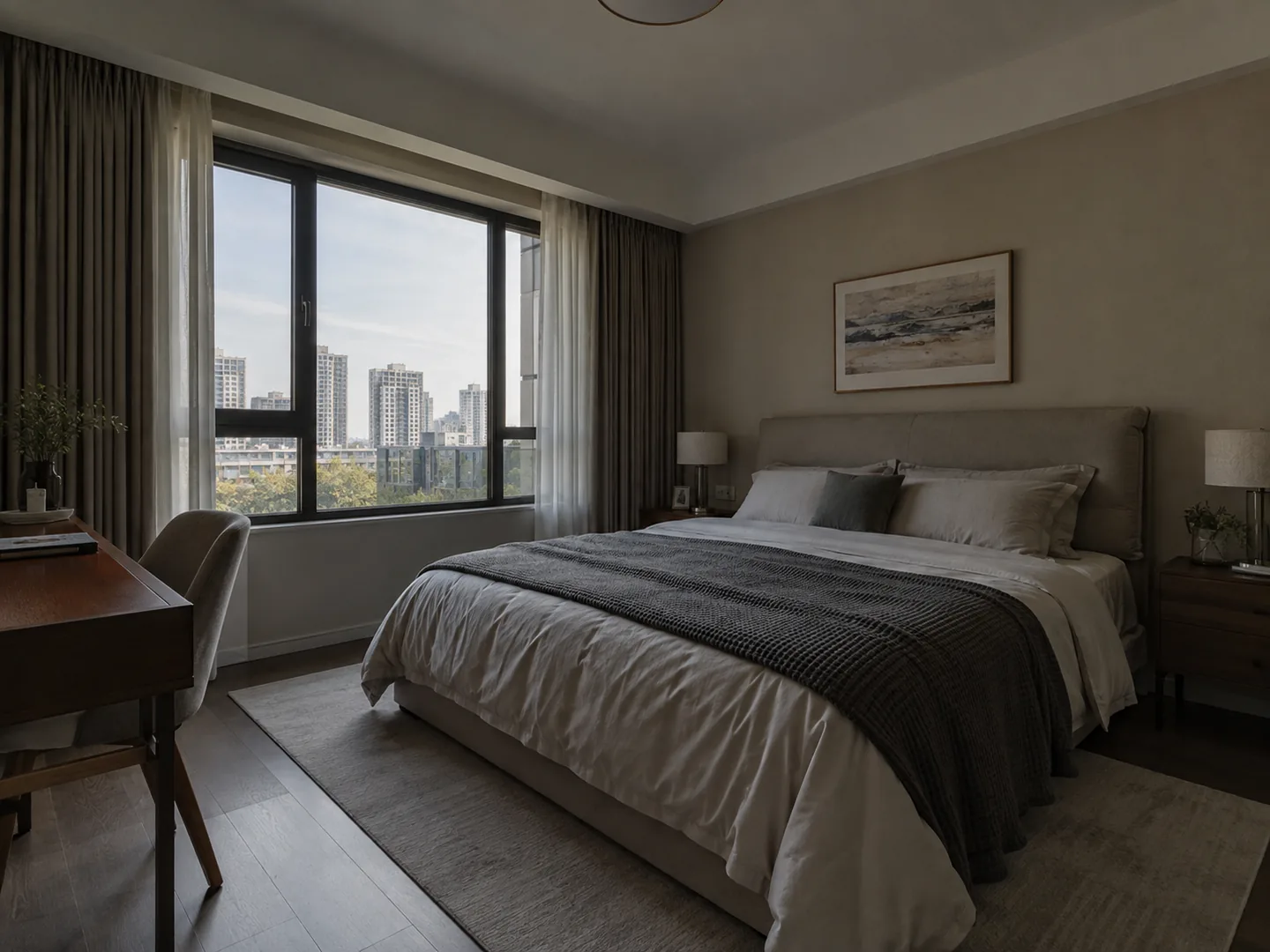
Interior enhancement targets exposure, contrast and modest noise reduction. A dark bedroom with a bright window is a useful test: review the bedding, wall tones and window frame after processing rather than judging brightness alone.
Severely clipped highlights or missing shadow detail may not be recoverable accurately. For a critical listing image, a better original can be more useful than another generation.
- Look for detail in dark furniture and textiles.
- Compare window frames and the view outside.
- Reject invented details or changes to fixed features.
Improve white balance and natural interior color
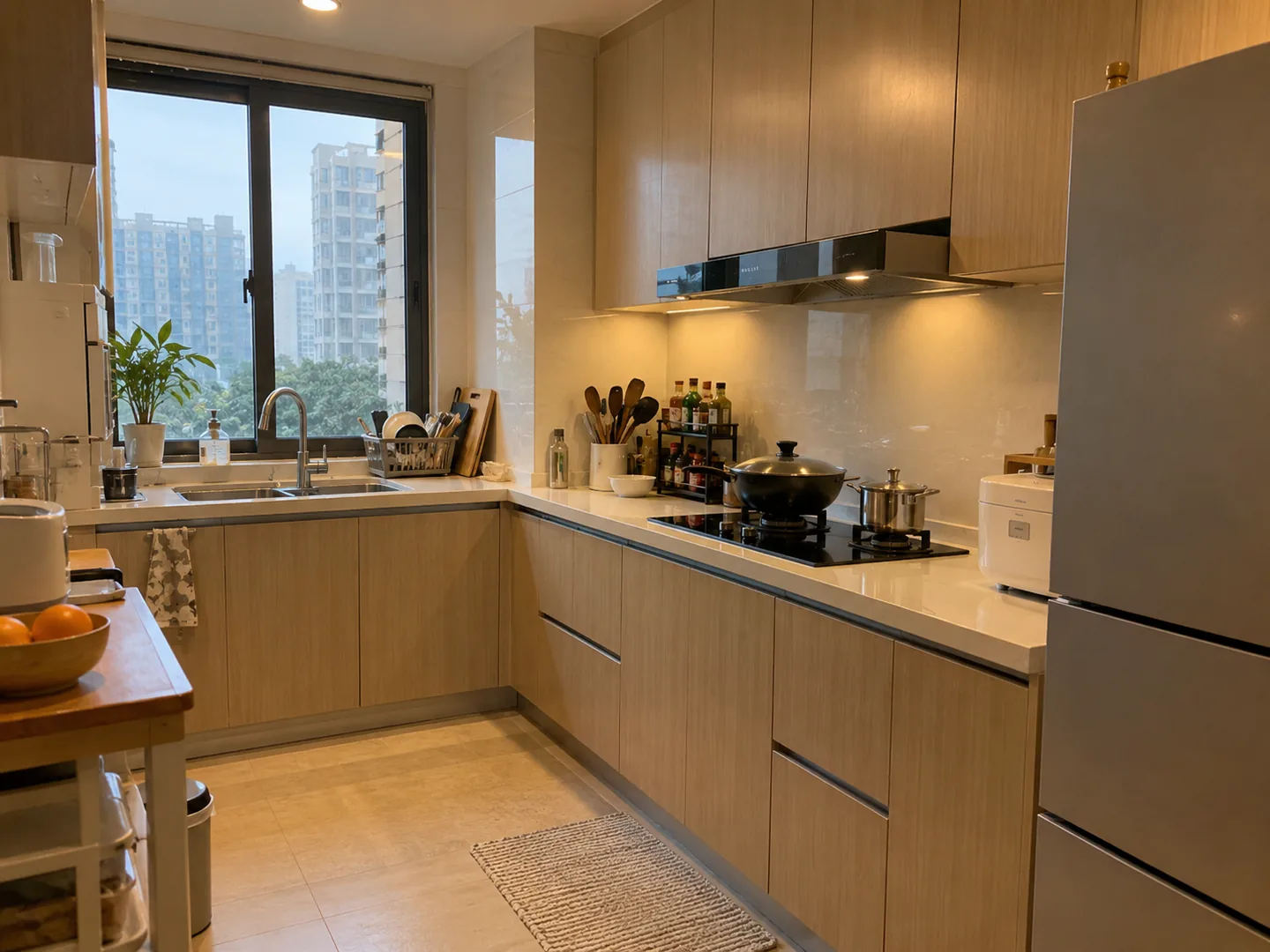
Warm lamps and cool daylight can give a kitchen inconsistent color. The AI aims to balance the photograph while keeping wood, paint and worktop materials believable.
This is an automatic workflow, not a temperature slider or precise paint-color matching tool. Compare the original and output carefully when material color matters.
Check clarity, vertical lines and perspective
Minor perspective correction may be applied when appropriate. Inspect door frames, cabinetry edges and repeated lines. The goal is to make an existing room easier to read, not to widen it or alter its shape.
The editor accepts individual JPG, PNG and WebP images. Multiple uploads are separate tasks, not exposure brackets for an HDR merge.
Keep the furnishings. Improve the photograph.
Use Interior mode for furnished living rooms, bedrooms and kitchens. It is designed to retain meaningful objects and fixed property details. It is not a room-redesign, decluttering or furniture-replacement service.
For an empty room where you want to visualize furniture, use the separate Virtual Staging workflow instead.
Questions about this workflow
Does this replace an interior designer?
No. Interior photo editing improves a photograph. It does not plan a renovation, change building materials or create a new interior design.
Can I upload RAW files or merge HDR brackets?
Not in this workflow. Export a JPG, PNG or WebP first. Use dedicated HDR software if you need several exposures merged into one image.
Will every photo in a batch get exactly the same color treatment?
Each image is processed independently. Review the set for consistency before publishing; there is no shared color-grade or cross-image matching control.
RealtyPhoto AI
Try the workflow with your own photo
Sign in to see your available credits. Review every generated image before publishing it.