
For hosts, not fictional listings
AI Photo Editing for Airbnb and Vacation Rentals
Show guests the place they will actually stay. Improve the photos of your rooms while keeping beds, furnishings and amenities faithful to the original.
Edit rental photos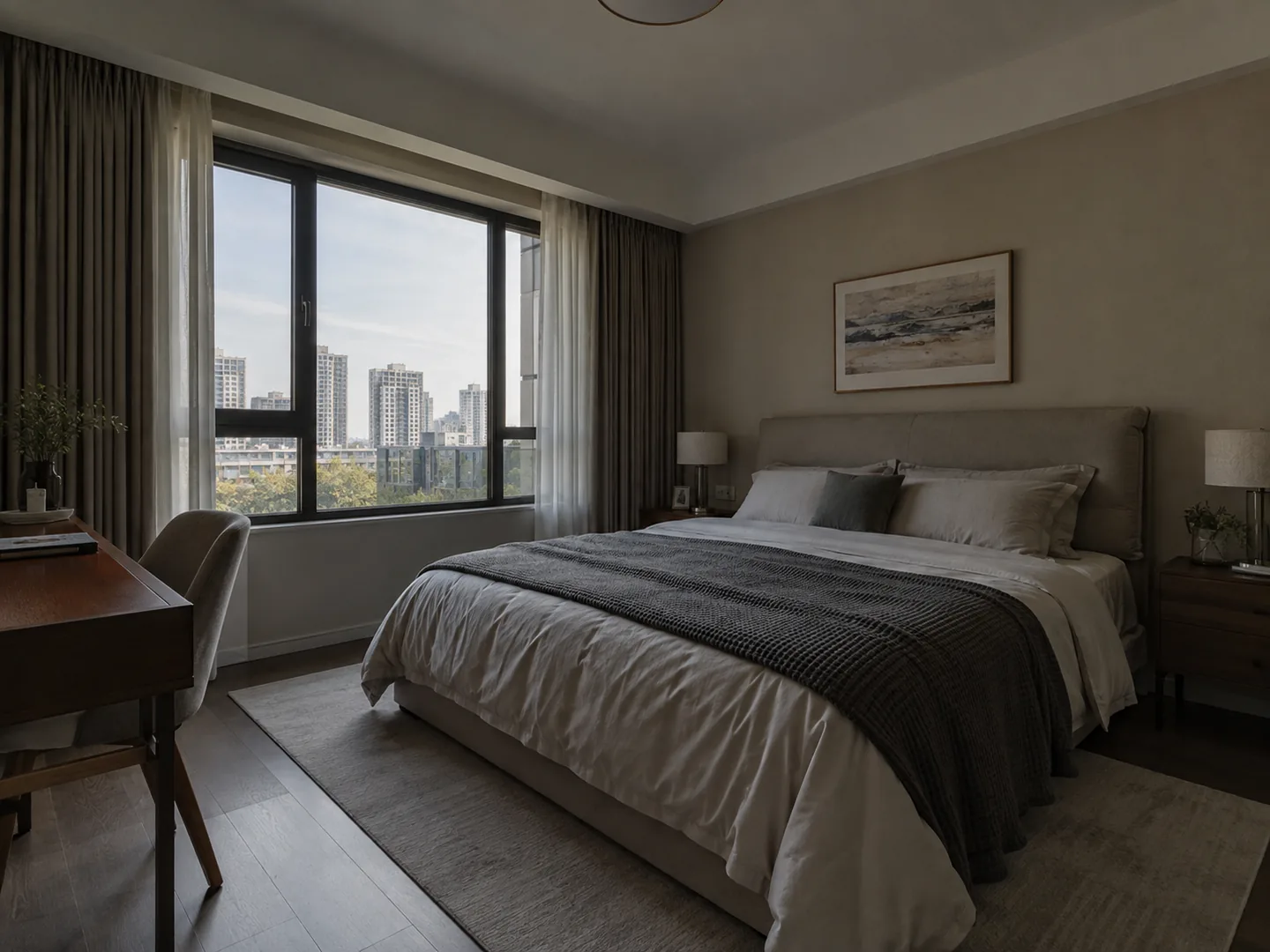
Edit your property photos
Choose a mode, upload up to 10 photos, and review each result before downloading.
JPG, PNG or WebP · up to 20 MB per photo · longest side up to 4096 px
Photo type
Custom prompt(optional)
Leave blank to use the default settings. Your prompt applies to every photo in this batch.
0 / 1000Make a dark bedroom easier to see
Use Interior mode for a furnished guest bedroom. After processing, compare the bed, window, bedside furniture and visible amenities with the original. Do not imply an additional bed or a larger room.
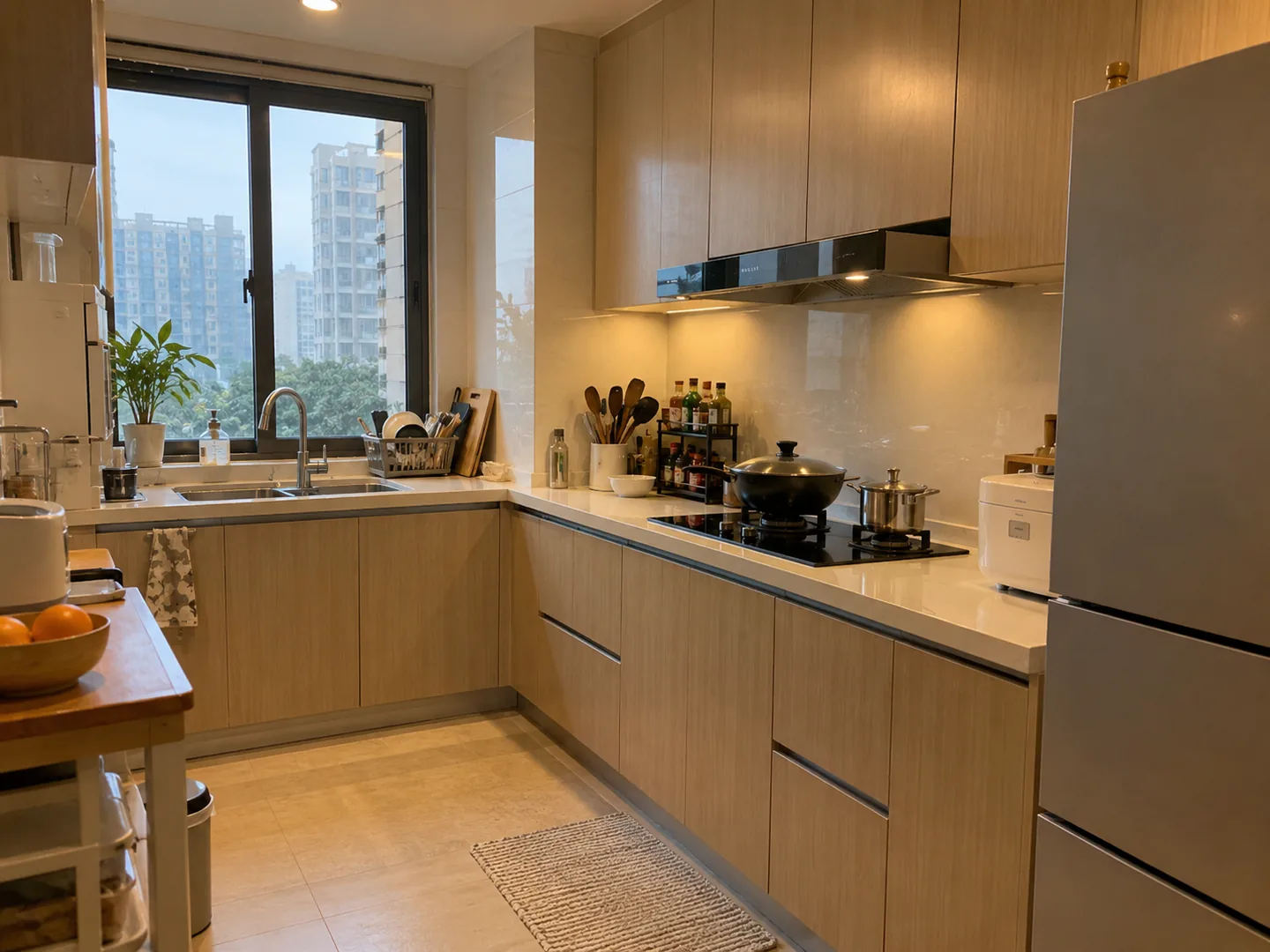
Keep the kitchen and its facilities recognizable
Mixed lighting can make a kitchen look overly yellow. Enhancement aims to balance the photo, but you should still check cabinet finishes, appliances and worktop details.
Do not publish an output that adds equipment a guest will not find in the property. For a furnished rental, enhancement is the appropriate starting point—not virtual furniture presented as a real amenity.
Prepare a coherent set of rental photos
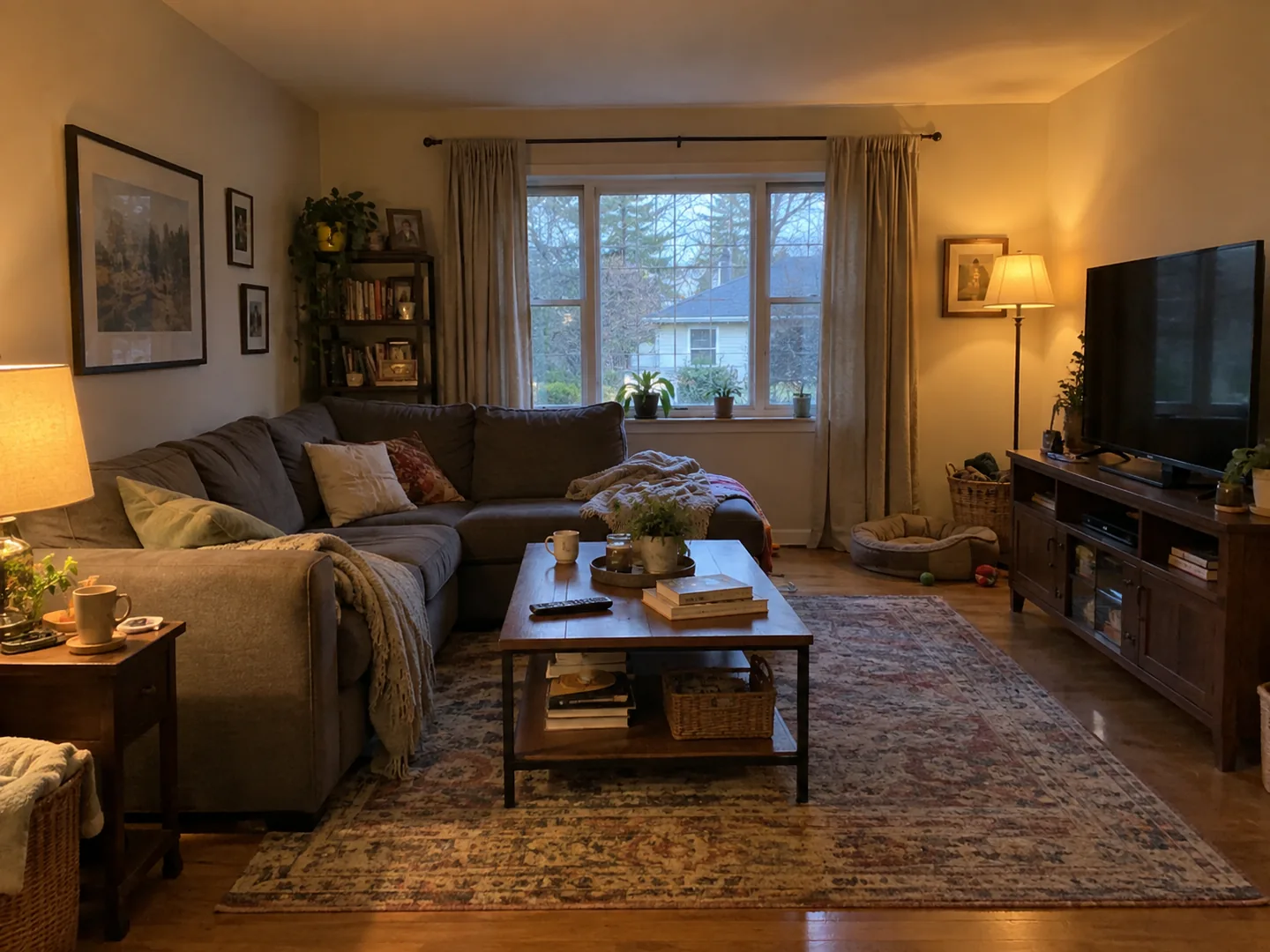
Group furnished-room photos into an Interior batch and outdoor photos into an Exterior batch. Review the finished set for believable color and brightness because every image is processed independently.
Download the ready files and arrange them in the order that best explains the accommodation. Upload them to Airbnb or Vrbo yourself; there is no platform connection or automatic publishing feature.
- Use photos of the actual accommodation for a live listing.
- Show important facilities clearly rather than relying on decorative crops.
- Keep a copy of the original photos for comparison.
A better photograph is not a different accommodation
Review every generated image for misleading changes to facilities, views and room size. Check the current rules of the platform you use before publishing edited or virtually staged images.
This tool does not certify platform compliance or guarantee an increase in bookings, nightly rate or occupancy.
Questions about this workflow
Does the editor connect to my Airbnb or Vrbo account?
No. You upload image files here and download the results. Listing management and publishing stay on the platform you already use.
Can I add furniture that is not in the rental?
Virtual staging exists as a separate visualization workflow, but do not present added furniture as an amenity guests will receive. For a furnished rental, start with Interior enhancement.
Will this increase my bookings?
No booking or revenue outcome is guaranteed. The purpose is to help you edit and review the photographs, not predict listing performance.
RealtyPhoto AI
Try the workflow with your own photo
Sign in to see your available credits. Review every generated image before publishing it.